User Manual
6
Language: Choose your language.
New Admin name: Set your administrator name.
New Admin Password: Set your password. The password must be a combination of 8 to 16 characters.
Confirm Password: Enter your password again.
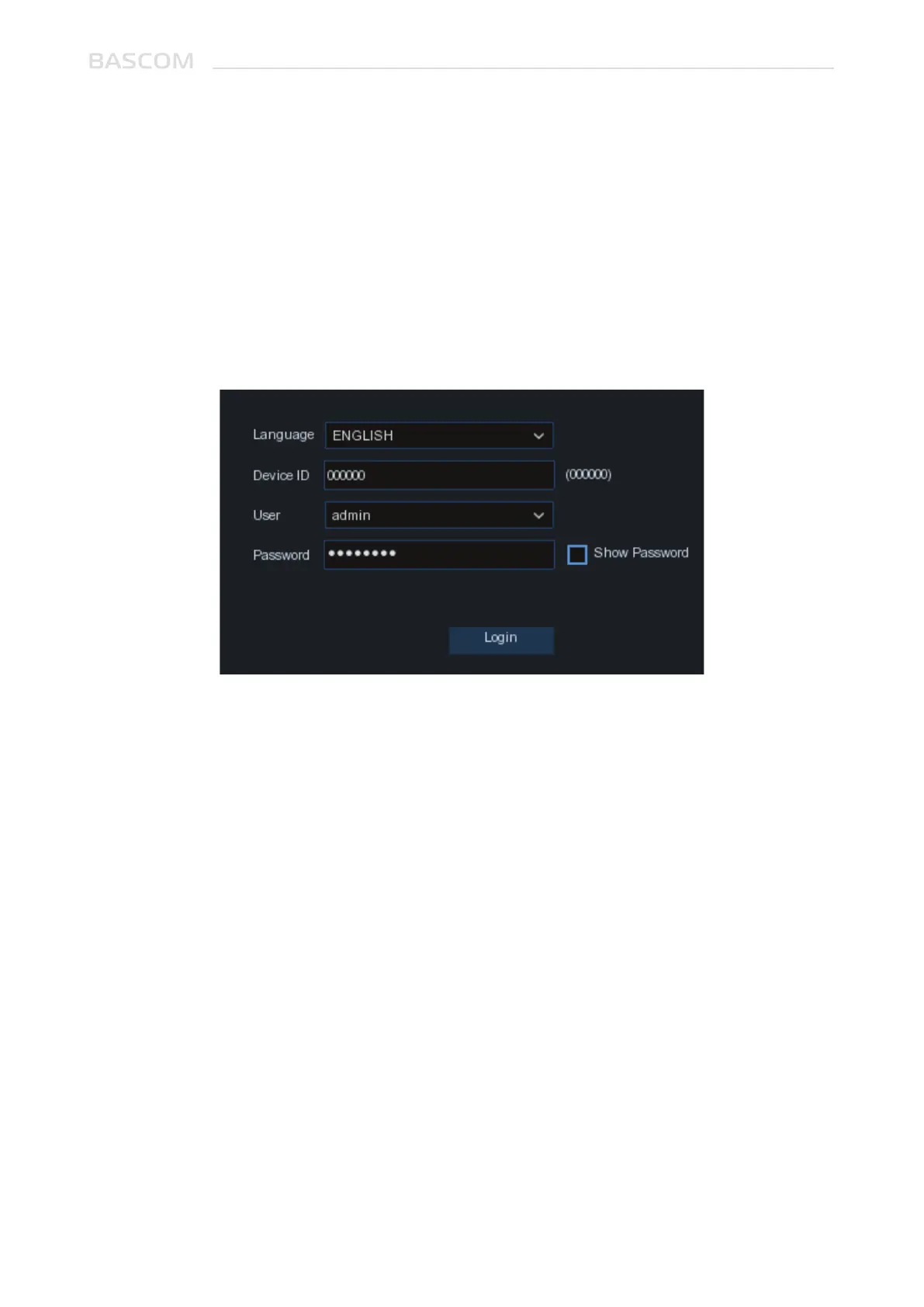
Click Apply to confirm your settings and go to the login interface. Enter your user name & password to
Login.
NOTE: If you forget your password, you will be unable to login the system, please contact your reseller
to reset the password.



 To Next Page