User Manual
33
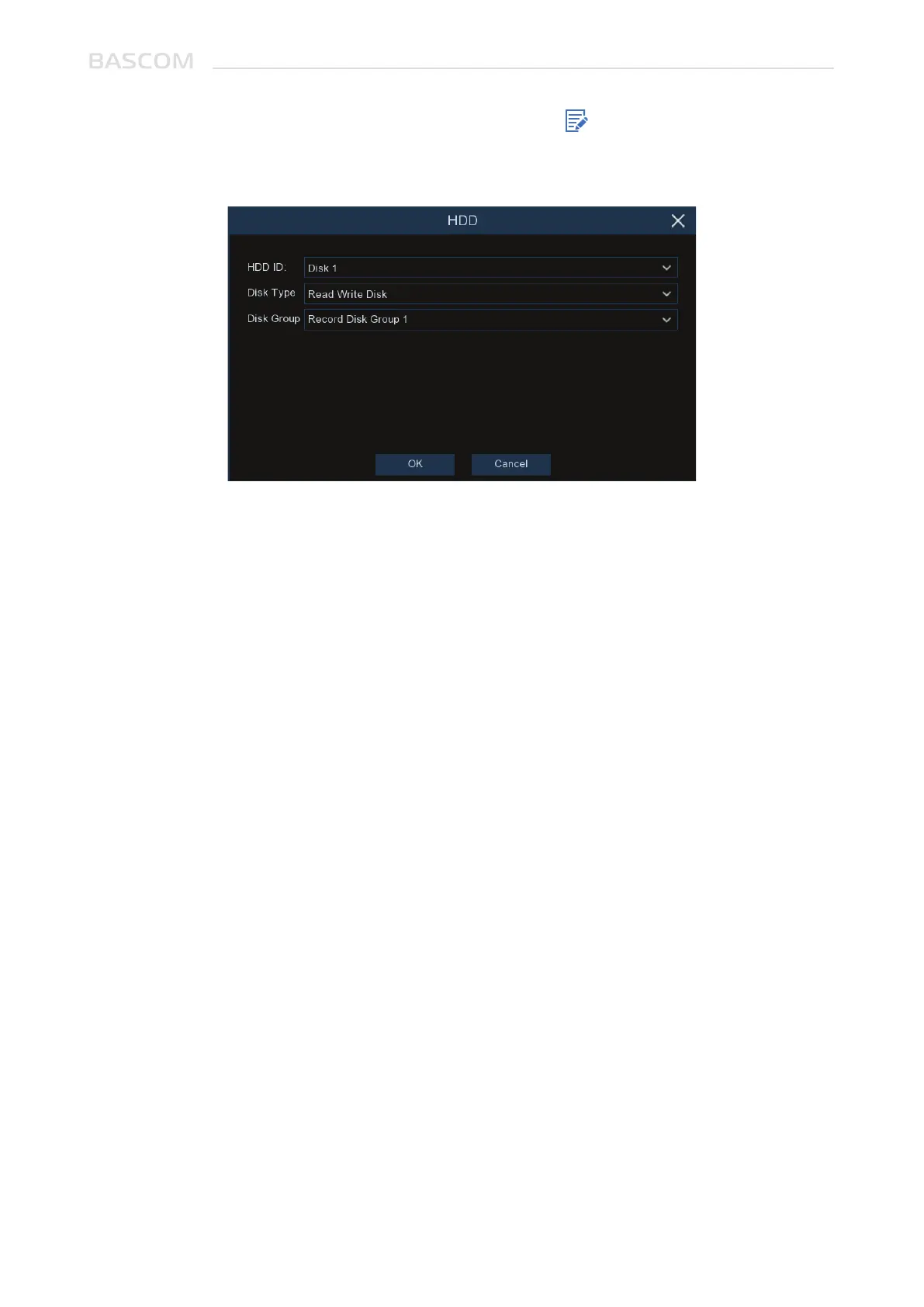
If your systems supports to install multiple HDDs, the edit icon appears in your system, you can
click it to edit the HDD as below:
Disk Type: Read-write, read-only, and redundant.
Read-write mode is the normal status for a HDD to save recording or search recording to play.
To prevent important video data from being overwritten during cyclic recording, the HDD can be set
as Read-only mode. New recording will be not able to save into this read-only HDD. You can still search
recording from this read-only HDD to play.
A Redundant HDD can be used to automatically backup video footage on the recording (read-write)
hard drive. When a redundant HDD is set, the system can be set to record cameras in parallel to both
the recording hard drive and the redundant hard drive in case of hard drive failure.
If your system supports to install multiple HDDs, you can configure the HDD to be different groups.
HDD groups allow you to balance recordings across multiple hard drives. For example, you can record
channels 1~4 to one hard drive and 5~8 to a second hard drive. This can reduce the amount of wear on
the hard drives and may extend the life of the hard drives.
3.5.1.1 Disk Group



 To Next Page