User Manual
29
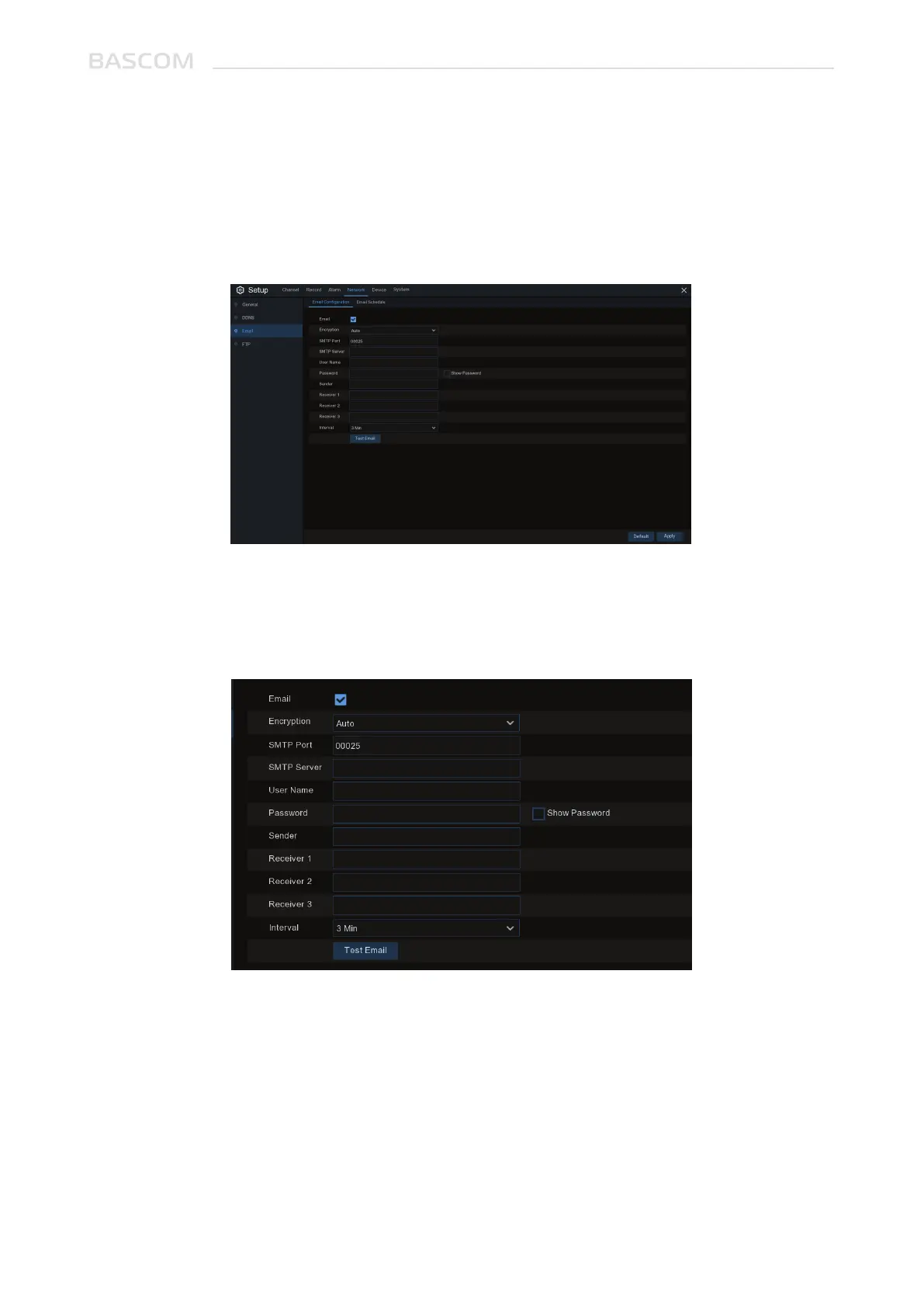
This menu allows you to configure email settings. Please complete these settings if you want to receive
the system notifications on your email when an alarm is triggered, HDD becomes full, HDD is in error
state, or Video Loss occurs.
Email: Check to enable.
Encryption: Enable if your email server requires the SSL or TLS verification. If you are not sure, set to
be Auto.
SMTP Port: Enter the SMTP port of your email server.
SMTP Server: Enter the SMTP server address of your email.
User Name: Enter your email address.
Password: Enter the password of your email.
3.4.3 Email
3.4.3.1 Email Configuration



 To Next Page