User Manual
24
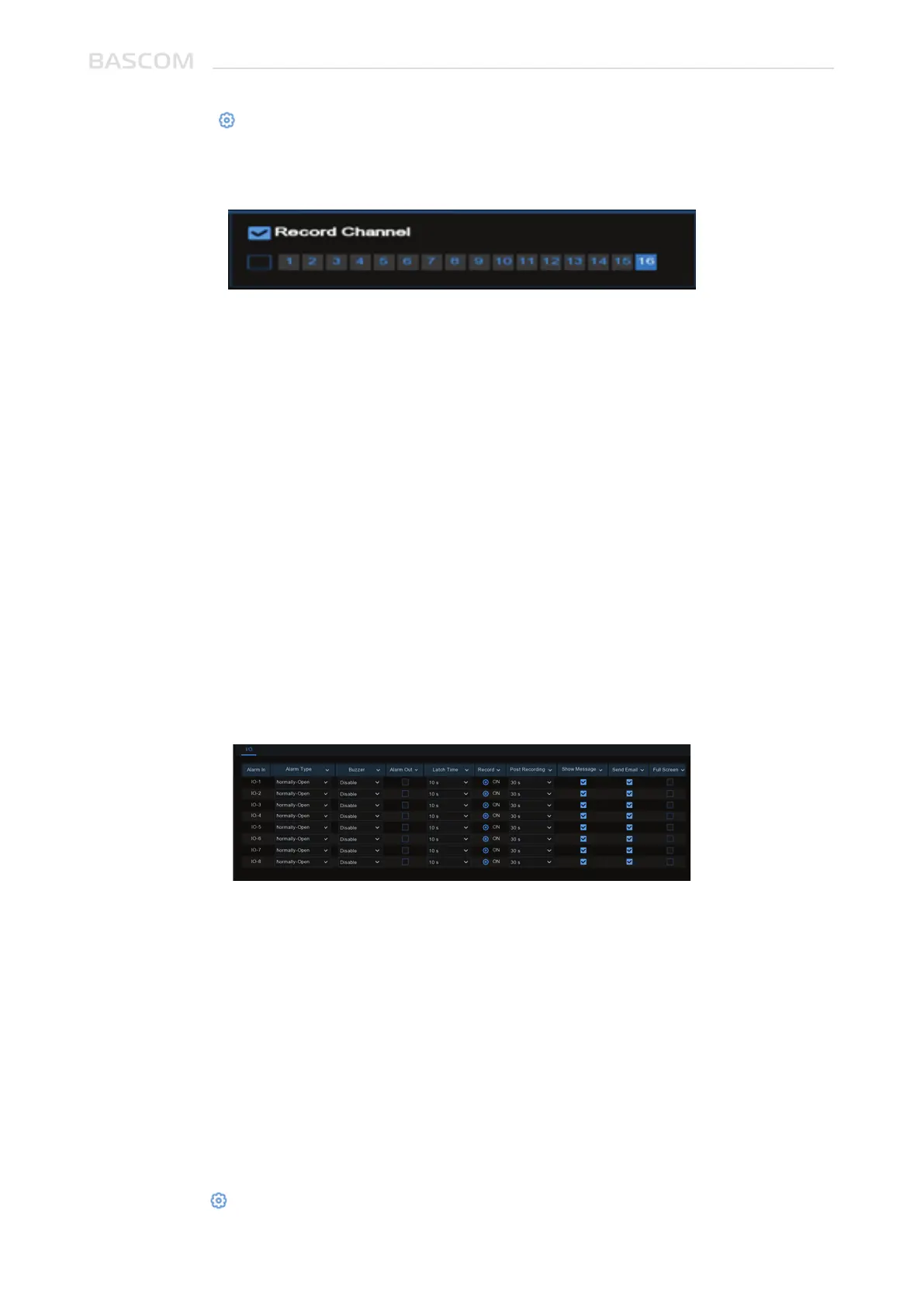
You can connect external sensor I/O alarm devices to the system.
Record: Click icon and choose which channel(s) you want to record when the motion
detection is triggered.
Post-Record: You can set how long after an event occurs the system will continue to record.
The recommended recording length is 30 seconds, it can be up to 5 minutes.
Icon: Check the box to display a motion icon on the live view screen when motion is detected.
Email: Receive an email when motion is detected.
Full Screen: If this function is enabled and a motion is detected in a channel, you will see that
channel in full screen.
FTP: To upload alarm images to FTP server when motion is detected. To enable FTP, please
view 5.4.4 FTP.
Alarm In: I/O channel.
Alarm Type: There are 3 types for your choice: Normally-Open, Normally-Close, and OFF.
Choose the one to match your sensor type, or choose OFF to close the sensor trigger function.
Buzzer: The system can use its internal buzzer to emit an alarm tone. You can set the buzzer
duration in seconds when a sensor is triggered.
Alarm out: Tick to enable external alarm device to emit an alarm tone when a sensor is
triggered.
Duration: you can set how long the buzzer will sound when external sensor is triggered (10s,
20s, 40s, and 60s).
Record: Click icon and choose which channel(s) you want to record when the motion
detection is triggered.
3.3.2 I/O Alarm



 To Next Page