User Manual
14
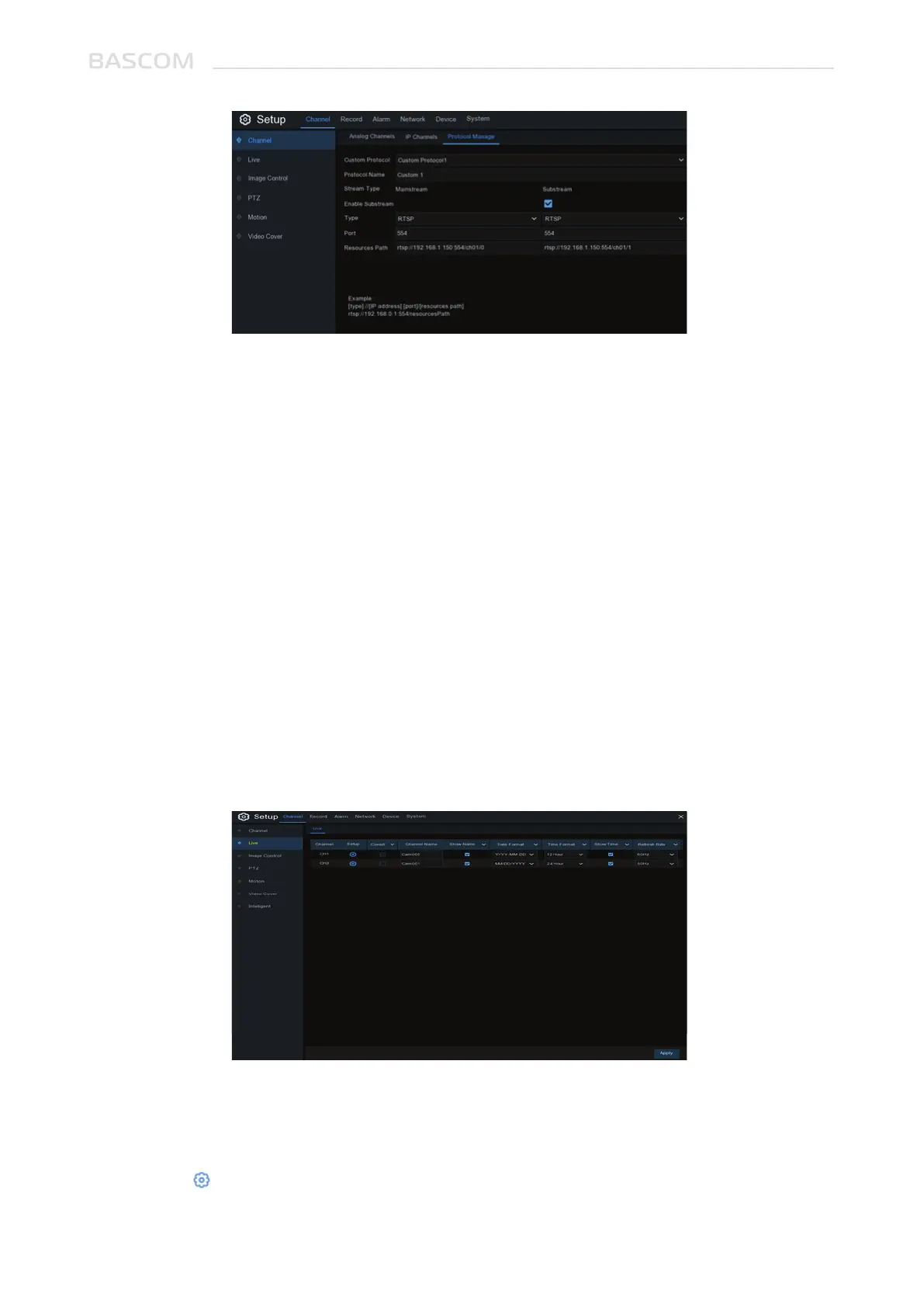
Custom Protocol: The system support max. 10 custom protocol options.
Protocol Name: To give a name to your custom protocol.
Enable Substream: Check the box if you want to enable substream.
Type: Only RTSP.
Port: Input the RTSP port of your camera.
Resources Path: Input the RTSP address of your camera.
3.1.3 General Settings
To configure general camera settings.
Cameras: Display channel name.
Setup: Click icon into the adjust the settings.



 To Next Page