User Manual
35
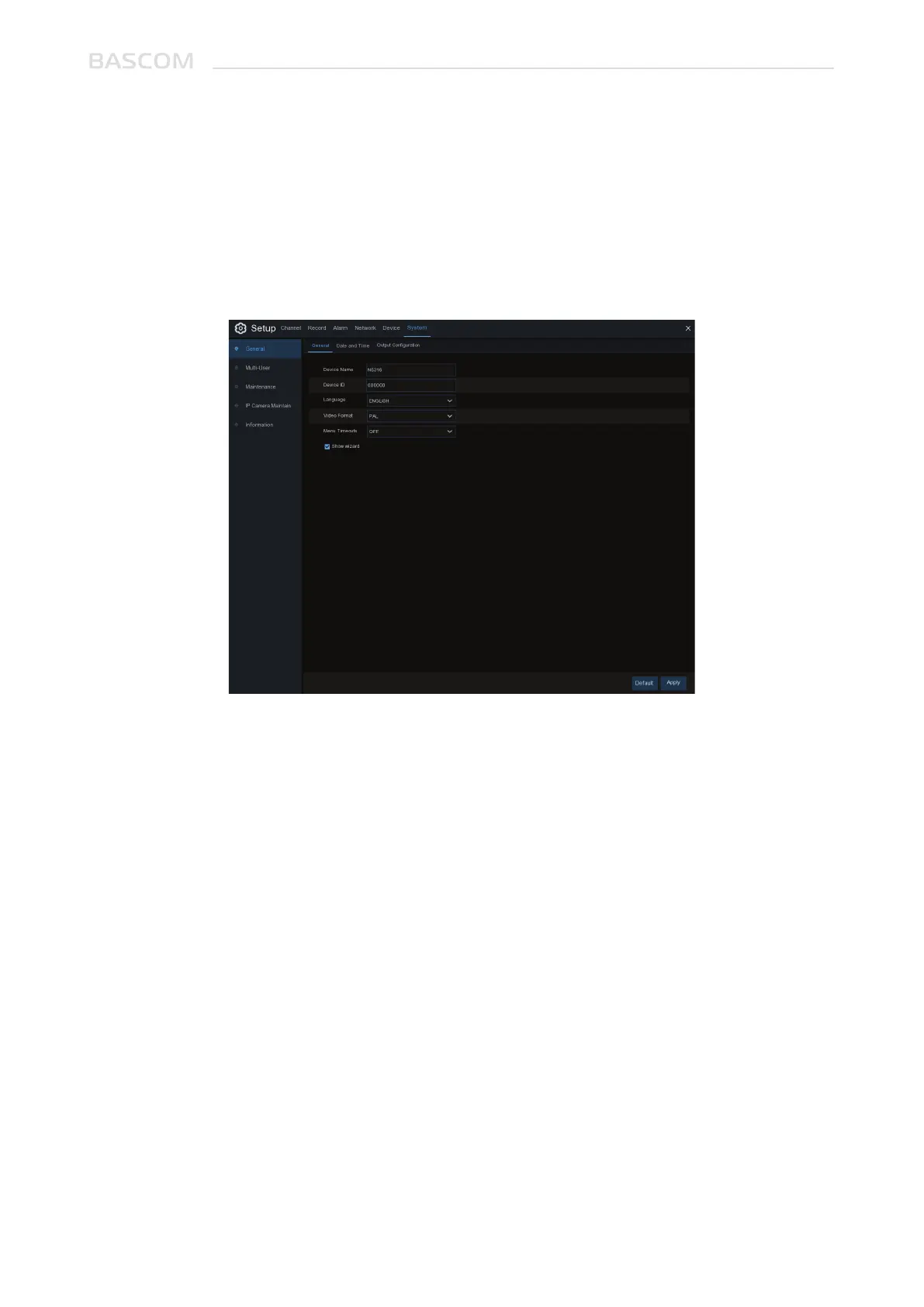
Device Name: Enter the desired name for your system. The name can include both letters and
numbers.
Language: Select a language you would like the system menus to be displayed in. Multiple languages
are available.
Video Format: Select the correct video standard for your region.
Menu Timeouts: Click the drop-down menu to select the time your system will exit the Main Menu
when idle. You can also disable this by selecting “OFF” (password protection will be temporarily
disabled).
Show Wizard: Click the checkbox if you would like to display the Startup Wizard each time you turn on
or reboot your system.
3.6 SYSTEM
Change general system information such as date, time and region, edit passwords and permissions,
and more.
3.6.1. General



 To Next Page