User Manual
43
3.6.4 Maintenance
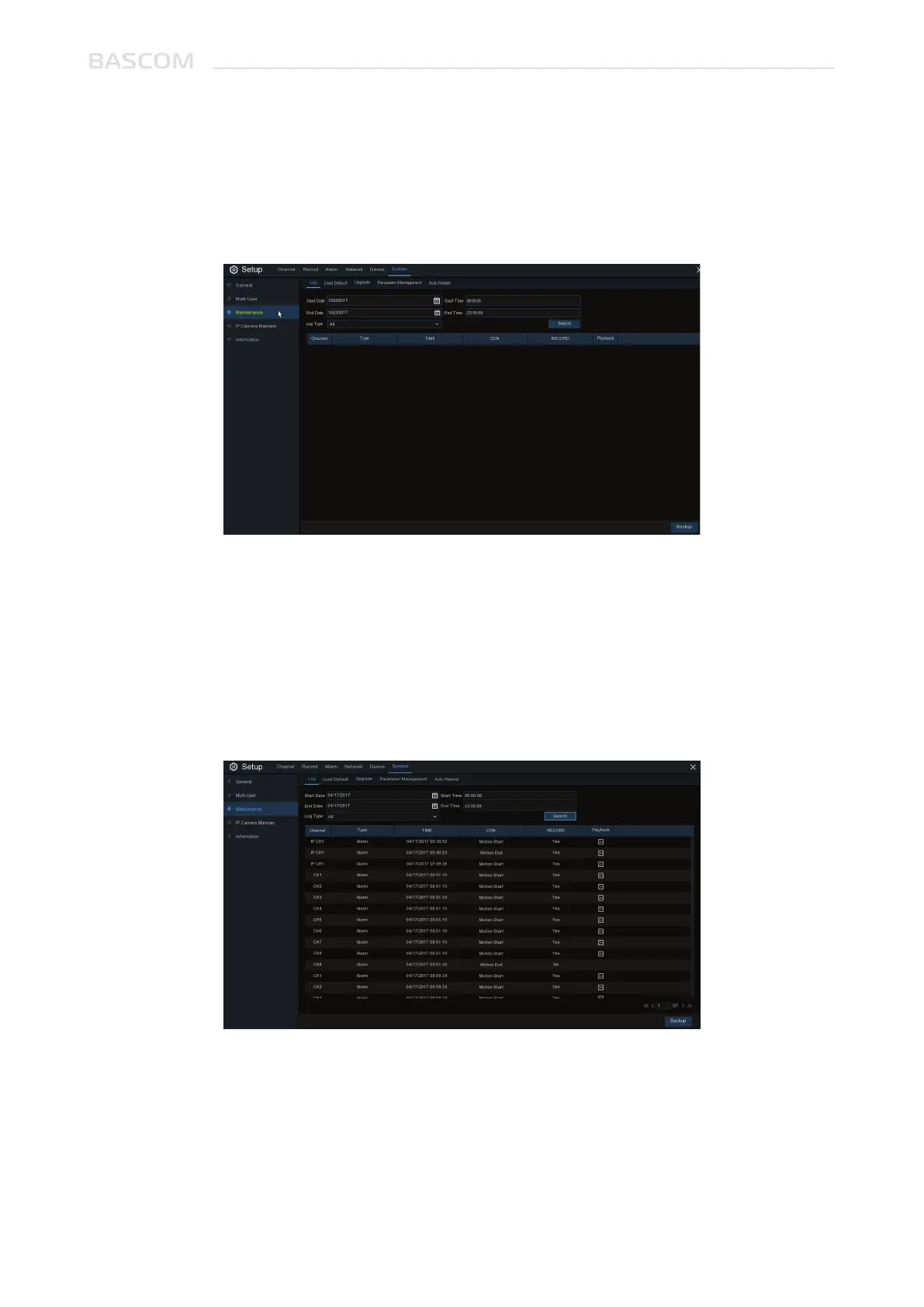
In this section, you will be able to search & view the system log, load default settings, upgrade the
system, export & import system parameters and manager system auto reboot.
The system log shows you important system events, such as motion alarms and system warnings. You
can easily create a backup file of the system log for a set time period to a USB flash drive.
Log Searching and Backing Up:
1. Click the field next to Start Date &Start Time to choose the starting date & time for your search
from the on-screen calendar.
2. Click the field next to End Date & End Time to choose the end date & time for your search from the
on-screen calendar.
3.6.4.1 Log



 To Next Page