User Manual
23
Cameras: Select the channel to set its snapshot schedule.
Normal: When the time slot is marked green, this indicates the channel performs normal
snapshot for that time slot.
Motion: When the time slot is marked yellow, this indicates the channel snapshots are only
made when a motion is detected during that time slot.
IO: When the time slot is marked red, this indicates the channel snapshots are only made
when the sensor is triggered during that time slot.
No Capture: A time slot marked black means that the snapshot function is not active in that
time slot.
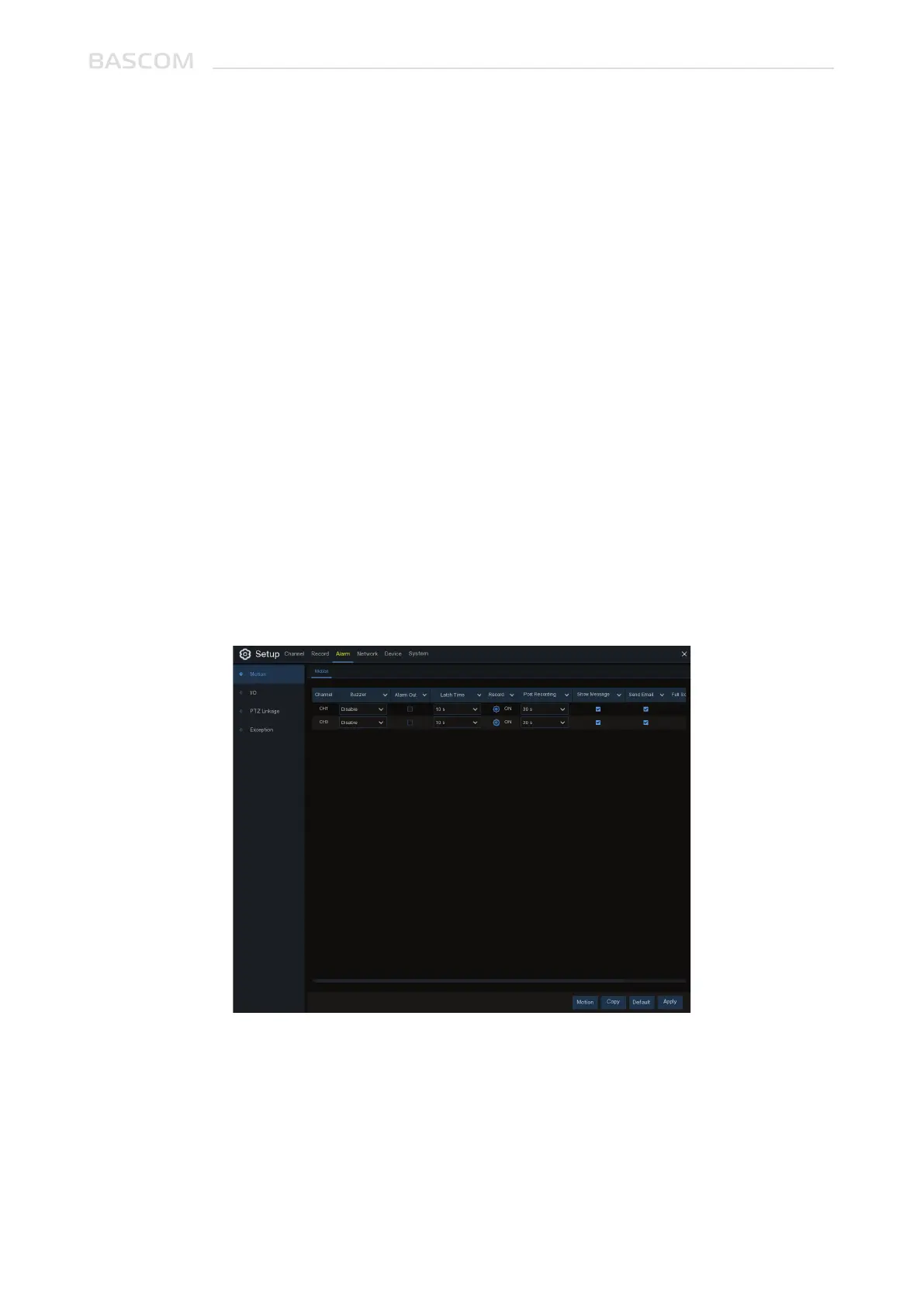
Cameras: Channel name
Buzzer: The system can use its internal buzzer to emit an alarm tone. You can set the buzzer
duration in seconds when the motion is detected.
Alarm Out: Optional function. If your system is connected to an external alarm device, you
can set to emit an alarm tone.
Duration: To configure the external alarm time when motion is detected.
3.3 ALARM
In these section, you can configure the alarm settings.
3.3.1 Motion Alarm



 To Next Page