User Manual
22
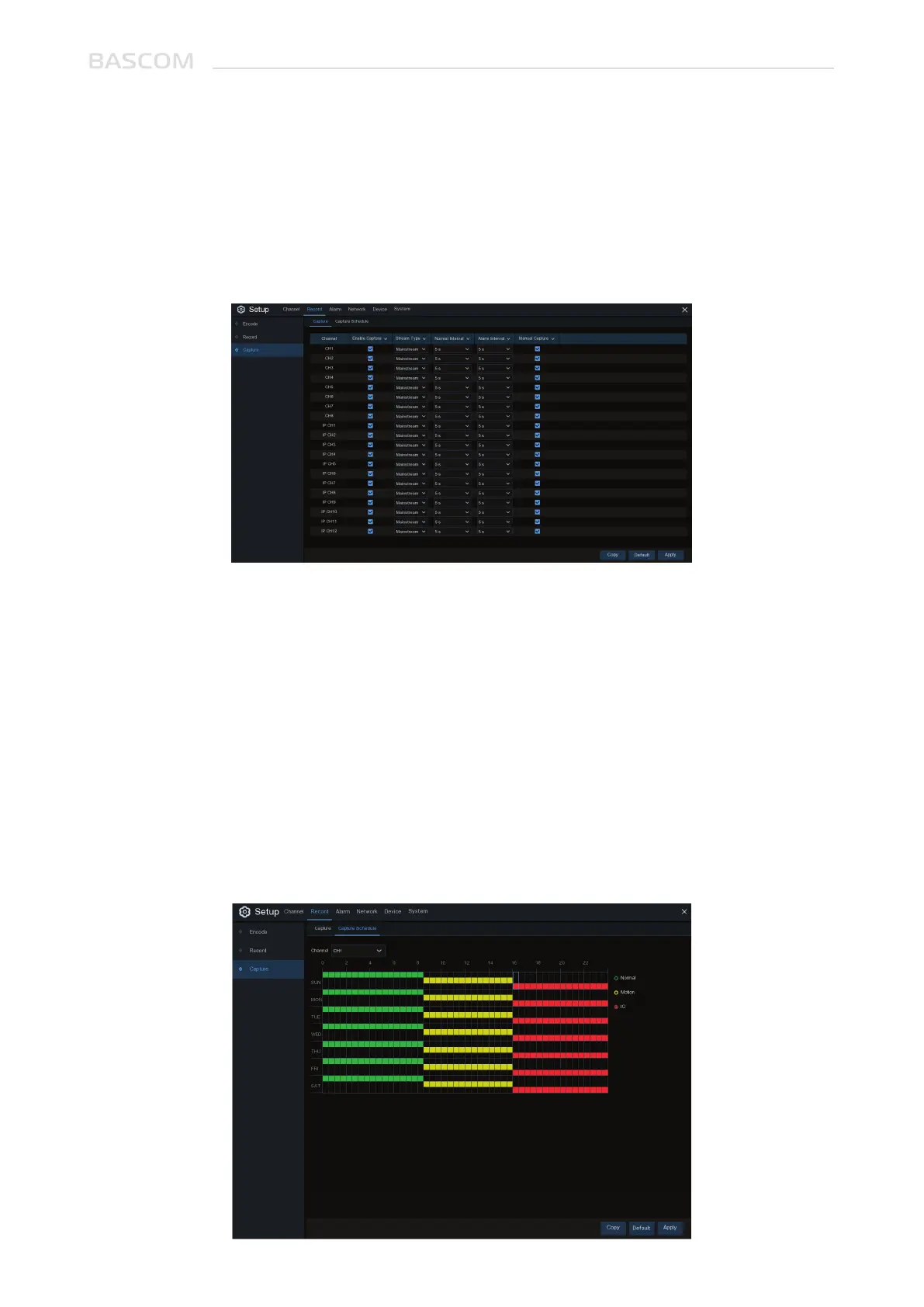
Enable: Enable or disable snapshots on the channel.
Stream Type: Select the image resolution by mainstream or substream.
Normal Interval: Time interval to capture an image in normal recording.
Alarm Interval: Time interval to capture an image when motion or IO alarm is triggered
Manual Capture: Enable or disable manual capture in the channel
3.2.3 Snapshot
This menu allows to configure the snapshot function.
3.2.3.1 Snapshot settings
3.2.3.2 Snapshot Schedule



 To Next Page