User Manual
25
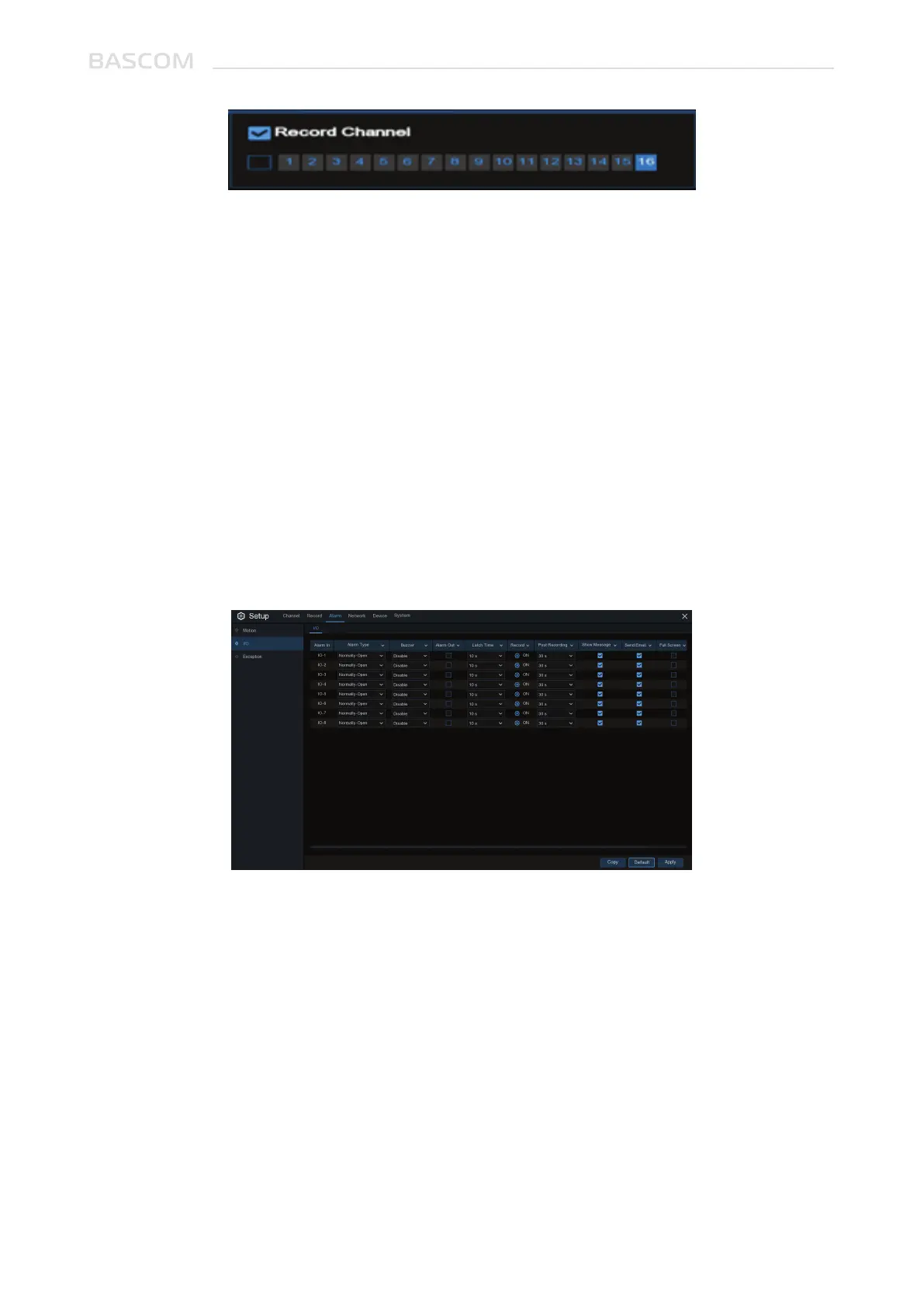
Post-Record: You can set how long alarm record will last when alarm ends (30s, 1minutes,
2minutes, 5minutes).
Icon: Display the alarm icon on the screen when sensor is triggered.
Email: Receive an email when the sensor is triggered.
Full Screen: When sensor is triggered, the corresponding channel will be switched to the full
screen mode.
FTP: To upload alarm images to FTP server when I/O alarm is triggered.
Event Type: Select the event type from below options:
- No Space on Disk: When an HDD is full.
- Disk Error: If the HDD is not detected properly.
- Video Loss: If a camera is not connected properly.
Enable: Check the box to enable the monitoring of the event.
Buzzer: Set the buzzer duration when the event occurs (Off/10s/20s/40s/60s). To disable
buzzer, select OFF.
Duration: This is an optional function. Determine how long the external alarm device has to
make sound (10s, 20s, 40s, 60s)
Alarm Out: This is an optional function. Click to enable the external alarm device to make
sound.
This menu allows you to receive notifications when specific events happen.
3.3.3 Other



 To Next Page