1. Do visual check of blood lines for air before starting.
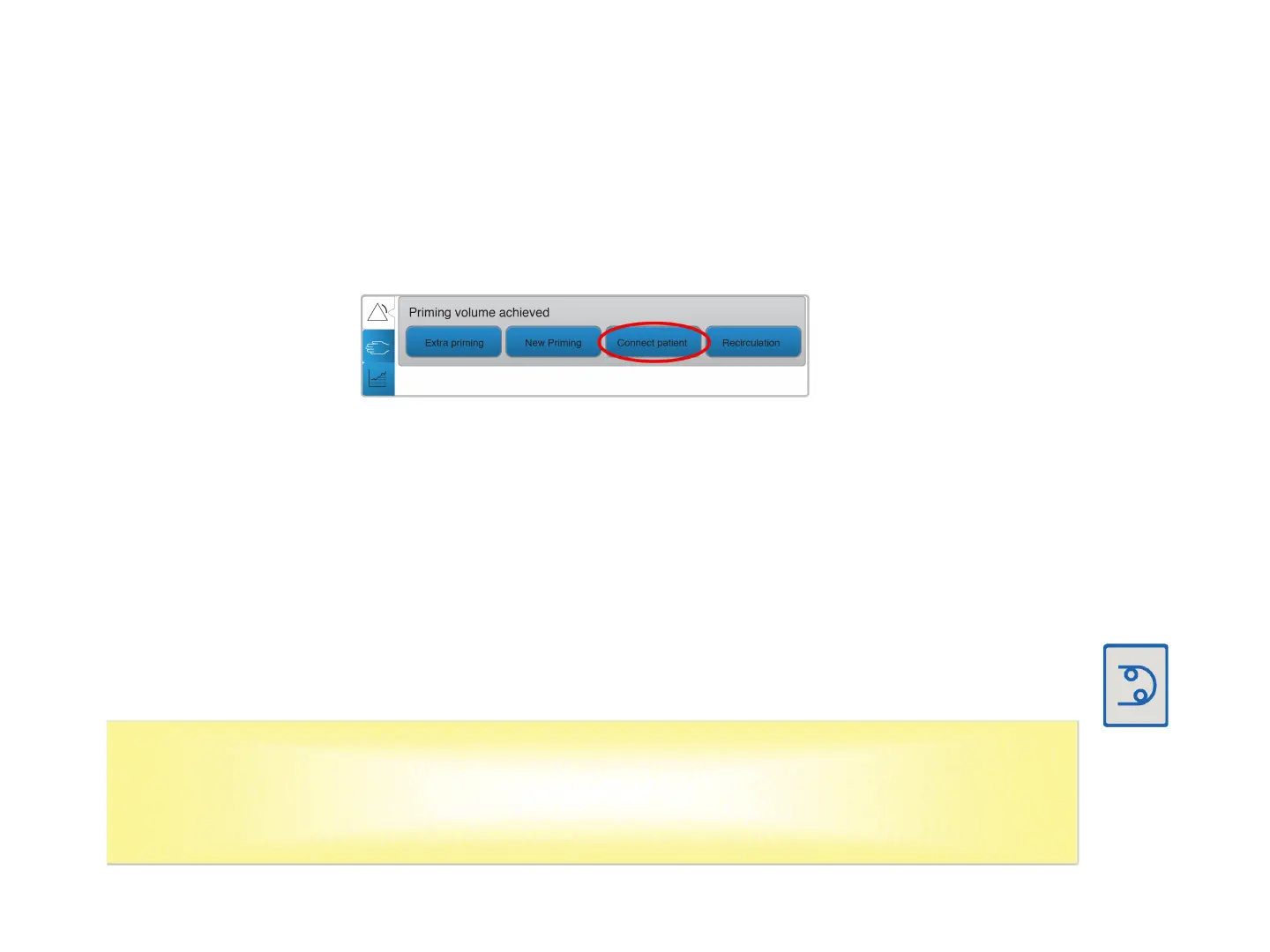
2. Connect Patient: When ready to connect the patient, select
CONNECT PATIENT.
3. Clamp the arterial and venous blood lines.
4. Close all clamps on the saline line.
5. Connect the arterial line to the arterial side of the access.
6. Connect the venous line to the venous side of the access.
7. Open the venous and arterial line clamps and the access clamps, (4).
8. Press the Blood Pump button to start the blood pump.
The blood pump will start at 100mL/min.
Single Needle: Verify that the expansion chambers are in upright
position and filled to the correct level (Section 5.5). Activate the single
needle function in the blood menu. Confirm the stroke volume.
CAMP/MG208/20-0006 AK 98 Independent Home Dialysis System 20
Connect to the Dialysis System (Section 4.2.12)



 To Next Page
 Loading...