071960491 COLLEAGUE CXE VOLUMETRIC INFUSION PUMP OPERATOR’S MANUAL 2-21
Description Infusion Modes
General information about the COLLEAGUE GUARDIAN feature is
listed below.
Labels configured with limits using the COLLEAGUE
GUARDIAN feature appear in a separate list. The list of
COLLEAGUE GUARDIAN labels is accessed by pressing the
Colleague Guardian soft key from the Primary Rate-Volume or
Volume-Time programming screen, or by pressing the
Change
Mode
soft key and selecting Colleague Guardian from the
Programming Modes menu.
Labels selected from the COLLEAGUE GUARDIAN list have
predefined program limits. If the clinician chooses to change the
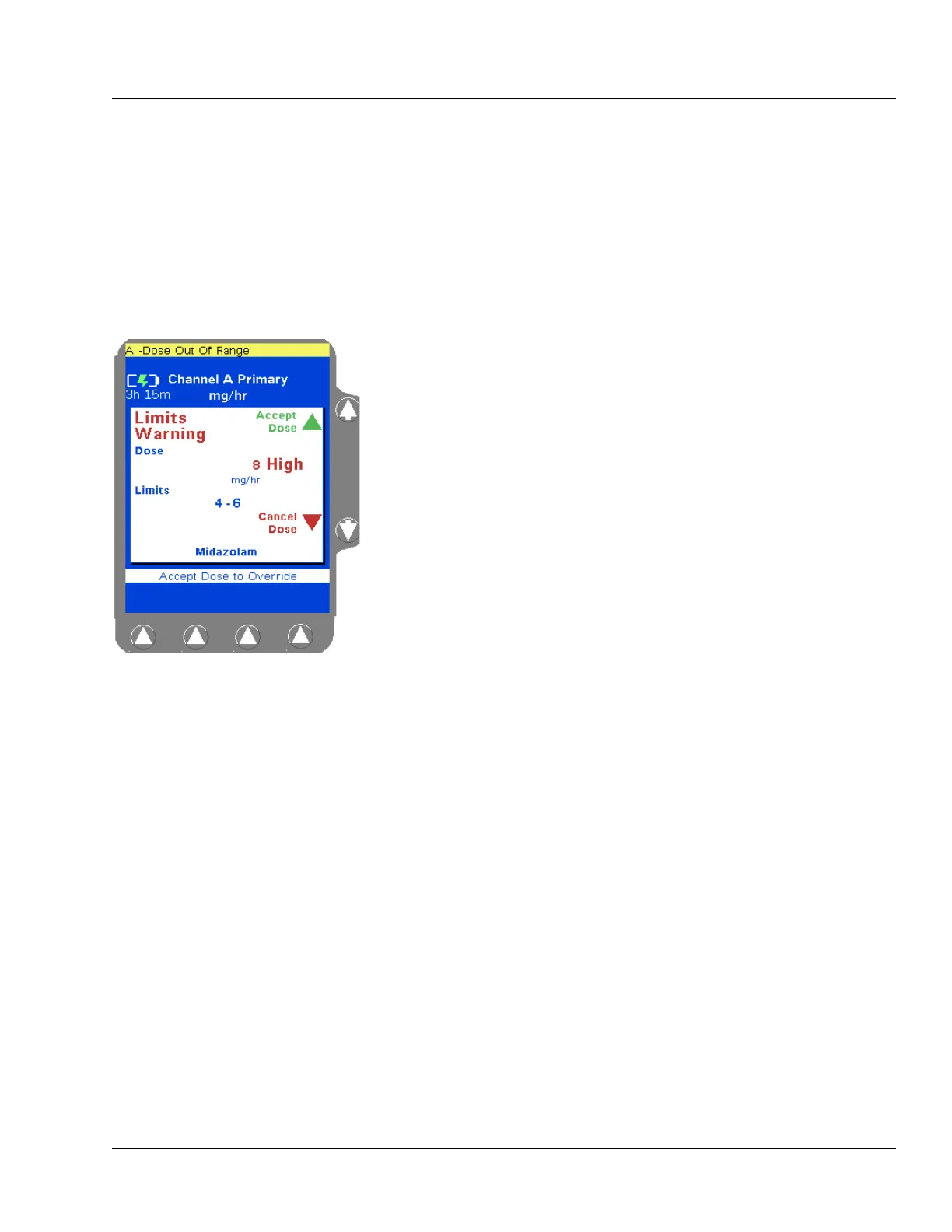
program so that the predefined limits are overridden, a warning is
displayed. The warning pop-up includes the programmed dose
and the preprogrammed dose limits. The clinician can choose to
cancel the dose and reprogram within the limits, or accept the
dose and override the limits. See Figure 2-11 for an example of
the Limits Warning pop-up.
Figure 2-11 COLLEAGUE
GUARDIAN Limits Warning Pop-up
Example



 To Next Page