4 Using the Optional Prime Function
4-20 COLLEAGUE CXE VOLUMETRIC INFUSION PUMP OPERATOR’S MANUAL 071960491
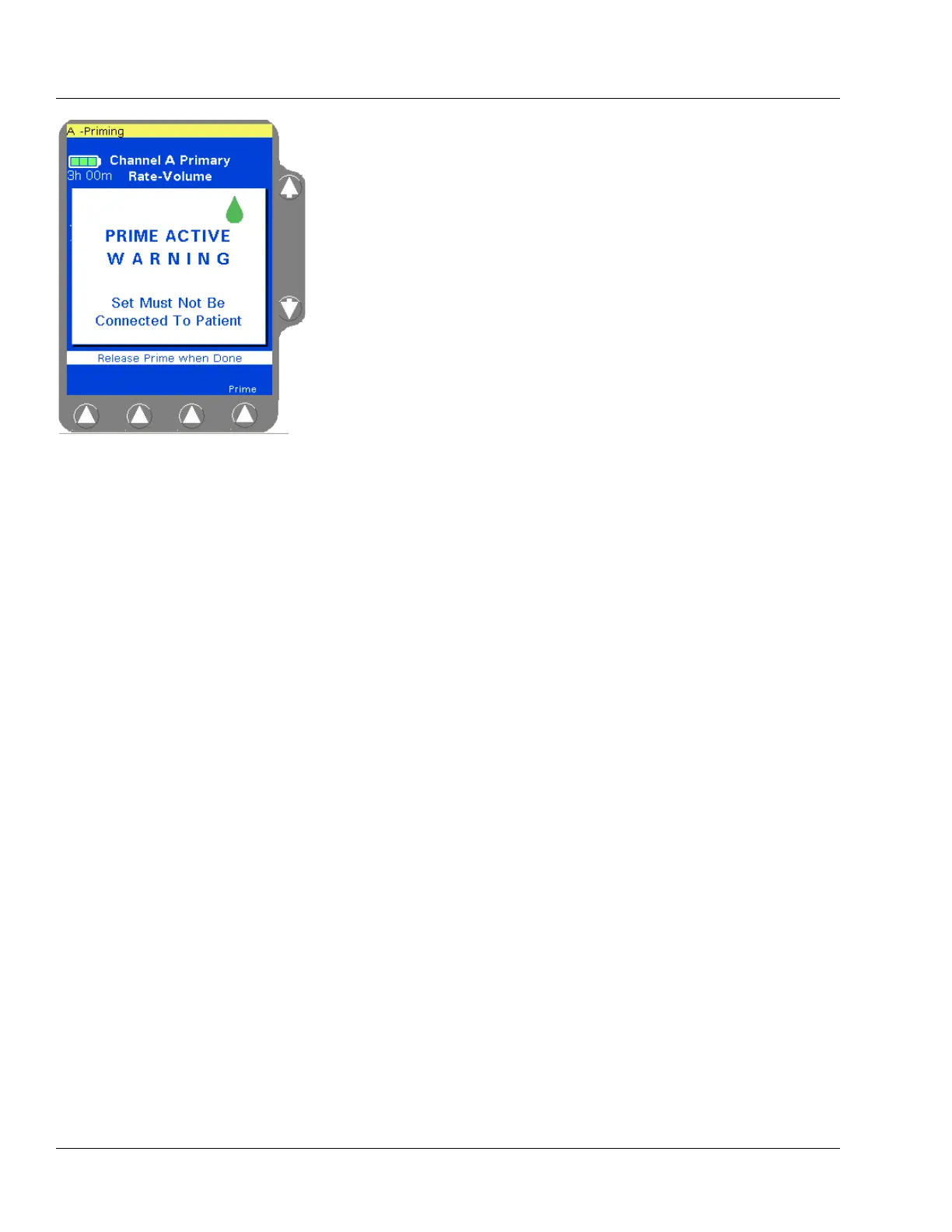
5. Press and hold the Prime soft key until all the air is expelled from the
administration set. The PRIME ACTIVE pop-up (Figure 4-23) is
displayed while the
Prime soft key is pressed. Release the Prime soft
key when finished priming.
6. When priming has been completed, press the Done soft key to exit
the priming function and return to the channel’s primary infusion
program screen.



 To Next Page