BEC MX-210NP User Manual
module.
Network Mode / Band: Show the using network mode and LTE band.
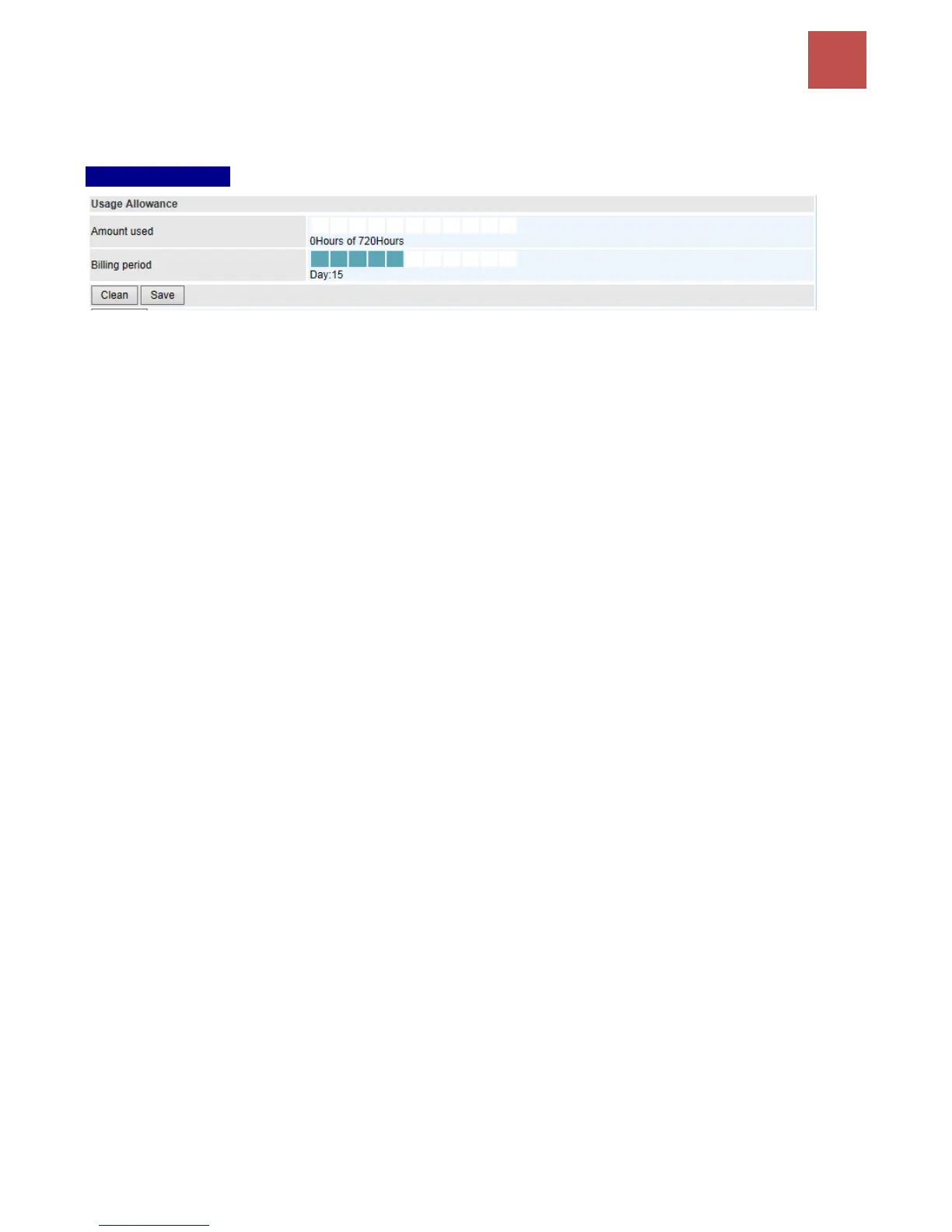
Usage Allowance
Amount Used: Display the amount of mobile data used and remaining in current billing cycle.
Billing Cycle: Display the start date and number of days remaining in current billing cycle
Clean: Reset current saved mobile usage
Save: Click to save current mobile status to ROM
Refresh: Click to refresh the page.



 To Next Page