BEC MX-210NP User Manual
If chose WEP 64-bit, then enter any 5 ASCII characters or 10 hexadecimal characters ("0-9", "A-F").
If chose WEP 128-bit, then enter 13 ASCII characters or 26 hexadecimal characters ("0-9", "A-F").
You must configure all four keys, but only one key can be activated at any one time. The default key
is key 1.
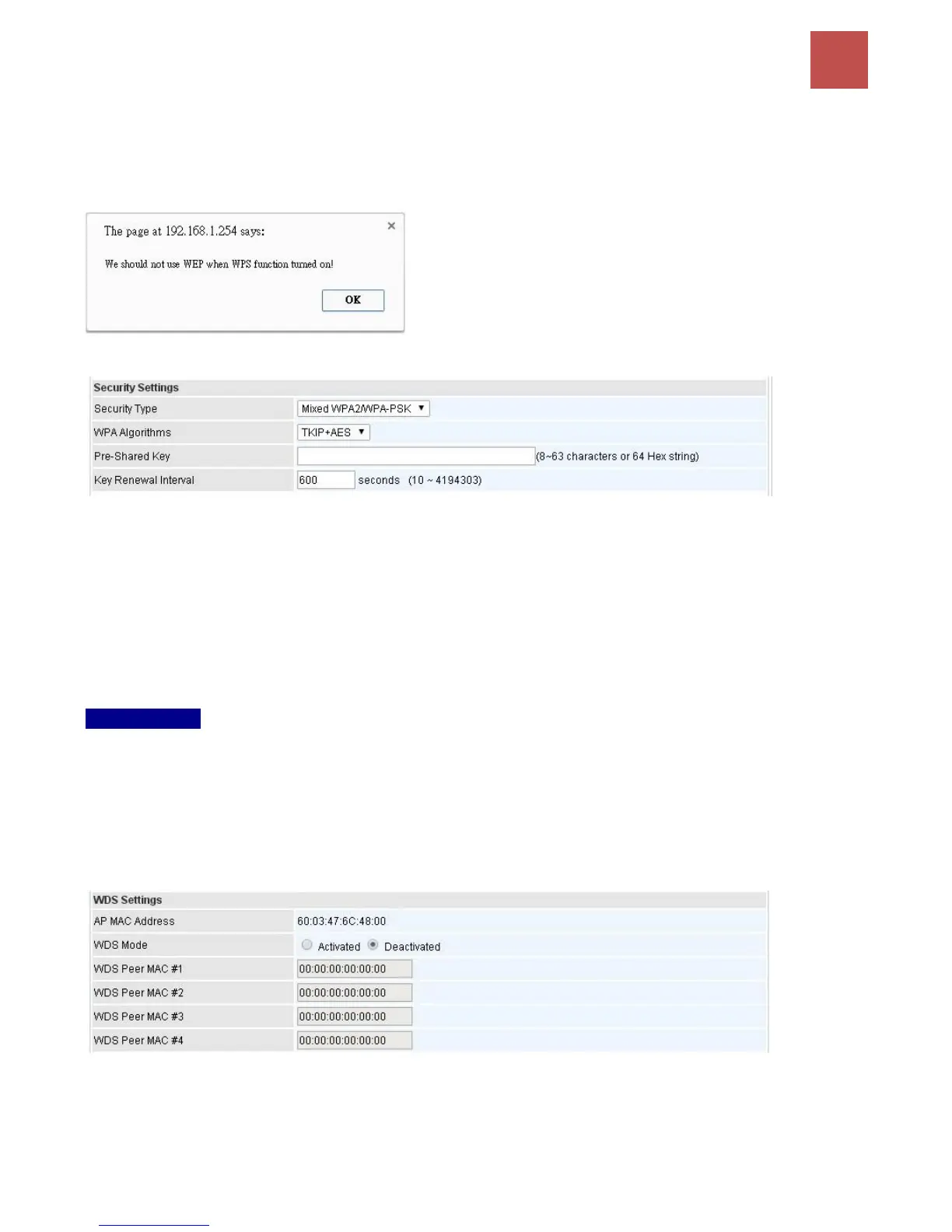
NOTE: WPS requires a higher level of security than WEP, 64bits
or 128bits. Select WAP / WAP2 security when using WPS.
WPA-PSK / WPA2-PSK / Mixed WPA & WPA2
WPA Algorithms: TKIP (Temporal Key Integrity Protocol) or AES (Advanced Encryption System)
utilizes a stronger encryption method and incorporates Message Integrity Code (MIC) to provide
protection against hackers.
Pre-Shared key: The key for network authentication. The input format should be 8-63 ASKII
characters or 64 hexadecimal characters
Key Renewal Interval: The time interval for changing the security key automatically between wireless
client and AP.
WDS Settings
WDS (Wireless distributed system) is a wireless access point mode that enables wireless link and
communication with other access point. It is easy to be installed, just define the peer’s MAC of the
connected AP.
WDS Mode: select Activated to enable WDS feature and Deactivated to disable this feature.
MAC Address: Enter the AP MAC addresses (in XX:XX:XX:XX:XX:XX format) of the peer connected
AP.
Click Save to apply the settings.



 To Next Page