55
5. Selection of interface to printer
Selecting the PRINTER mode, the serial output of the balance is set to work with serial
printers.
In this case the printing is effected only when the PRINT button is pressed and with
stable weight. If the stability is not reached within ten seconds, the message ERR05 is
displayed preceded by a short acoustic signal and the value of the weight is not sent to
the printer.
6. Connection of the balance with the serial printer
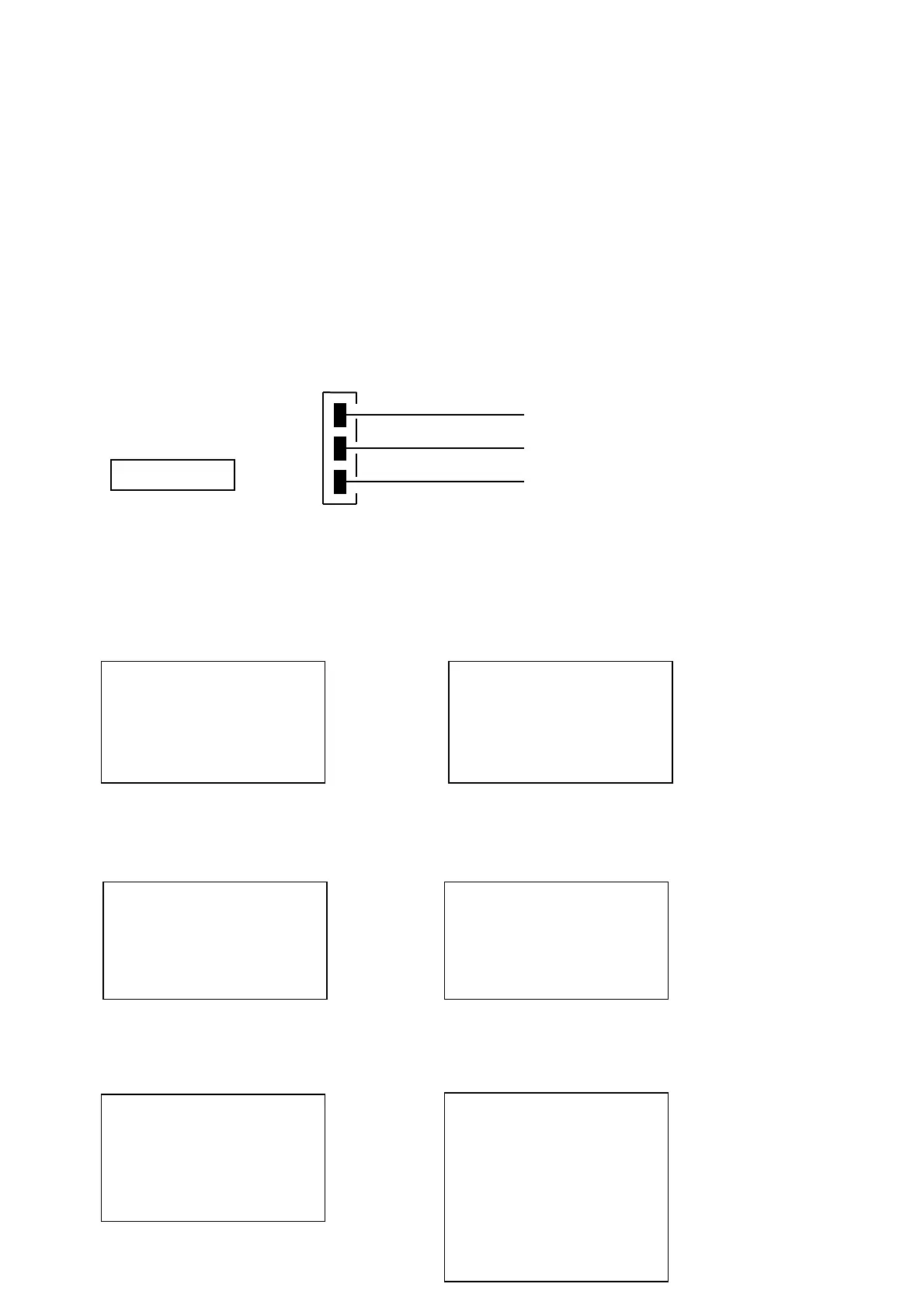
Connect a serial printer to the connector (n.2 of fig.2 at par.5) to the balance as shown in
the following scheme:
If the optional TLP50 printer is used, it will be possible to print both in continuous-mode
and in labels-mode with the following formats:
Weighing mode and maximum load mode Piececounting mode
Density determination mode Percentage weight mode
Animal weighing mode Totalizing (sum of weights) mode
2
4
5
Busy signal
side
12-02-2008 12:00
Weight: 22.000 g
12-02-2008 12:00
d= 2.80066 g/cm3d
12-02-2008 12:00
Pcs
100
Weight:
300.000 g
PMU: 3.000 g
12-02-2009 12:00
Perc. 100.0%
Weight:
300.000 g
12-02-2009 12:00
Time = 6 Sec
Ave. = 59.446 g
12-02-2010 12:00
1. 16.589 g
2. 17.226 g
…
99.
------------------------------
S= 33.815 g


 To Next Page