Operation and setting
33
IRDH275BM-7_D00123_06_M_XXEN/07.2018
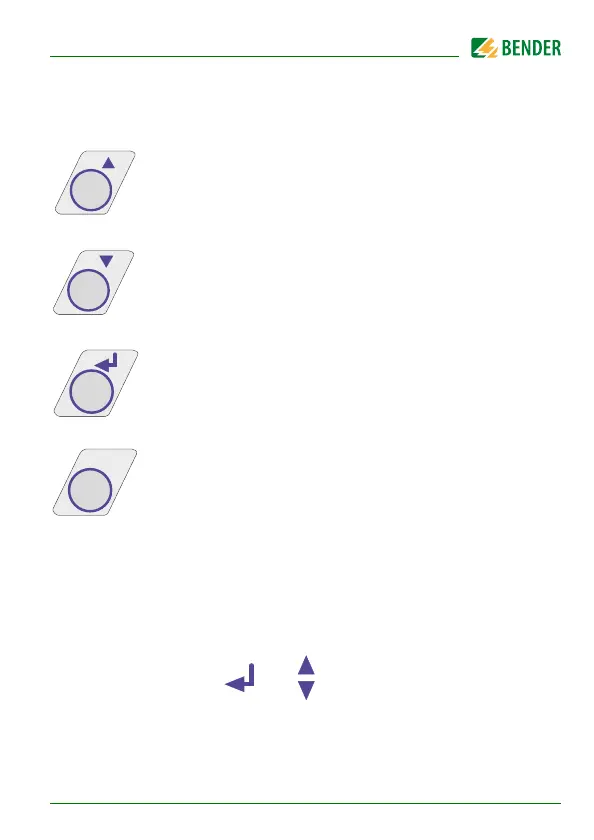
For controlling the menu system, the arrow keys, the ENTER key and the ESC
key are used:
Arrow up key:
Moving up in the menu, increasing a parameter
Arrow down key:
Moving down in the menu, reducing a parameter
ENTER key
Selecting a menu item or sub menu item, confirming or stor-
ing a parameter change and going back to the associated sub
menu item or going to the next input area.
ESC key:
Returning from a sub menu to the previous menu.
If you do not exit the menu, the device automatically returns to the standard
mode again after approximately five minutes.
For the sake of clarity, the following symbols are used for the functions
ENTER, UP/DOWN and ESCAPE in the menu diagrams of this operating
manual:








 To Next Page