Operation and setting
32
IRDH275BM-7_D00123_06_M_XXEN/07.2018
5.1.3 Function keys
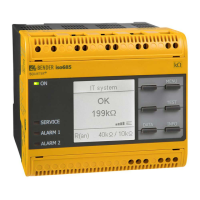
Two functions are assigned to each function key. In addition to the basic func-
tion marked with a circle, all the keys allow navigation within the menu.
Pressing the INFO key provides the following information
without opening the menu:
Device name, firmware version
Response values Alarm 1 and Alarm 2
Setup status (for details refer to the table of the
status numbers on page 67
COM-Setup (own bus address)
Please have the details above on hand if you have a prob-
lem and if you contact Bender for technical questions.
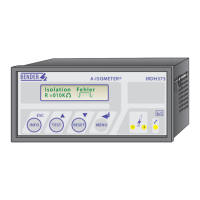
Activating the TEST button starts the
ISOMETER® self test.
Pressing the RESET button resets insula-
tion and fault alarm messages stored in the
ISOMETER®. The memory function is only
available after activating the fault memory in the ISO SETUP menu or after
bridging the terminals R1/R2. Furthermore, the ISOMETER® can only be reset
when the present insulation value is 25 % higher than the set response value.
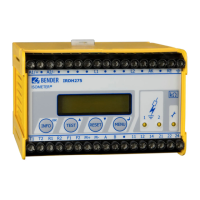
The menu system is called up by pressing the MENU key.








 To Next Page