147
Motifs
Embroidering motifs in one color
█
press «Embroidery menu»-button
█
touch «Single/Multi-Color Motif»-icon
►
the function is activated
►
the embroidery computer embroiders the complete motif and stops when
finished
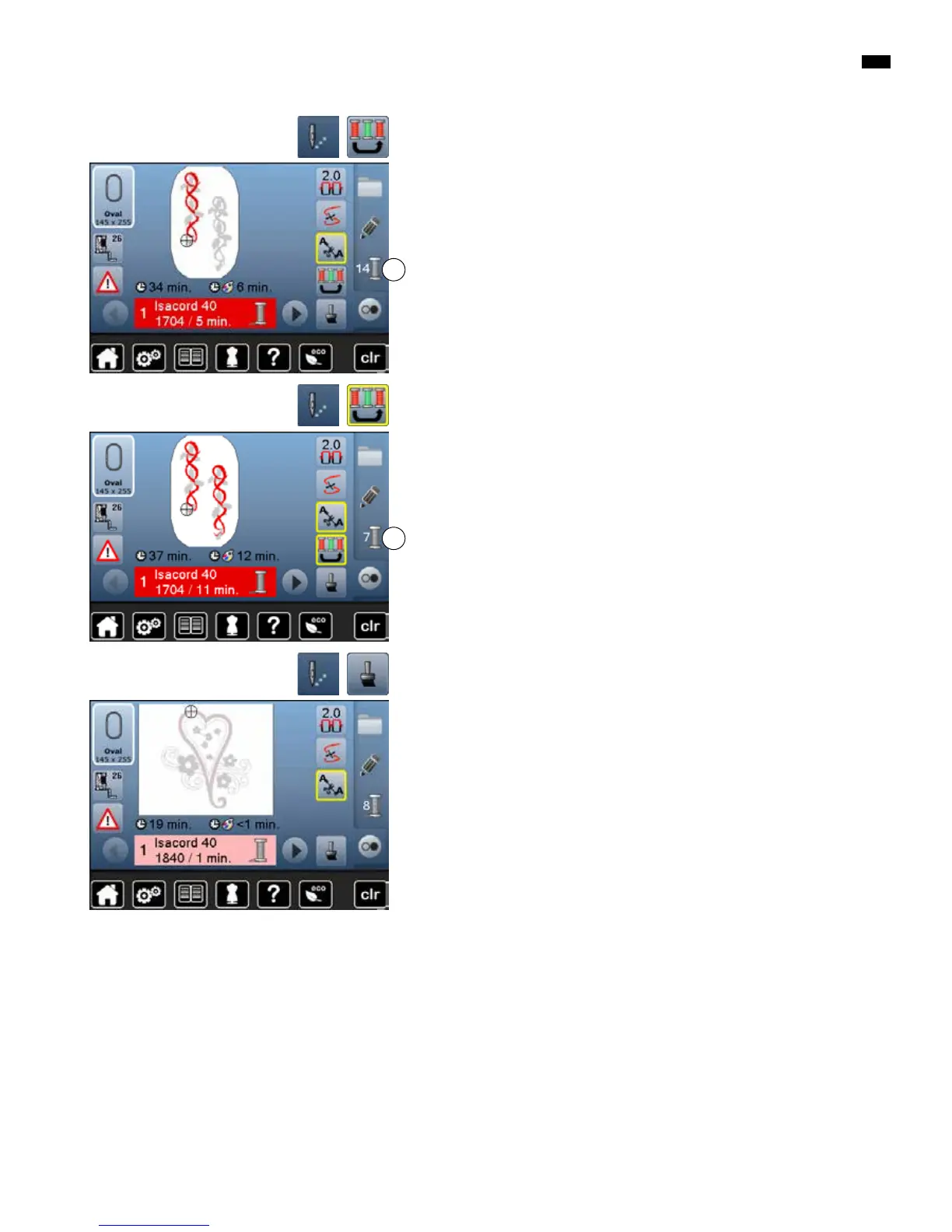
Reducing color changes
█
press «Embroidery menu»-button
█
touch «Reduce color changes»-icon
Identical colors are resequenced and combined to form «color blocks». This
reduces the number of color changes 2 to a minimum.
Embroidering the motif by color
█
press «Embroidery menu»-button
►
«Reduce color changes»-icon is inactive (standard, gray)
The colors of a motif are not reduced, the embroidery sequence remains as set
originally. The number of color changes 1 remains as it is.
1
2



 To Next Page