153
Motifs
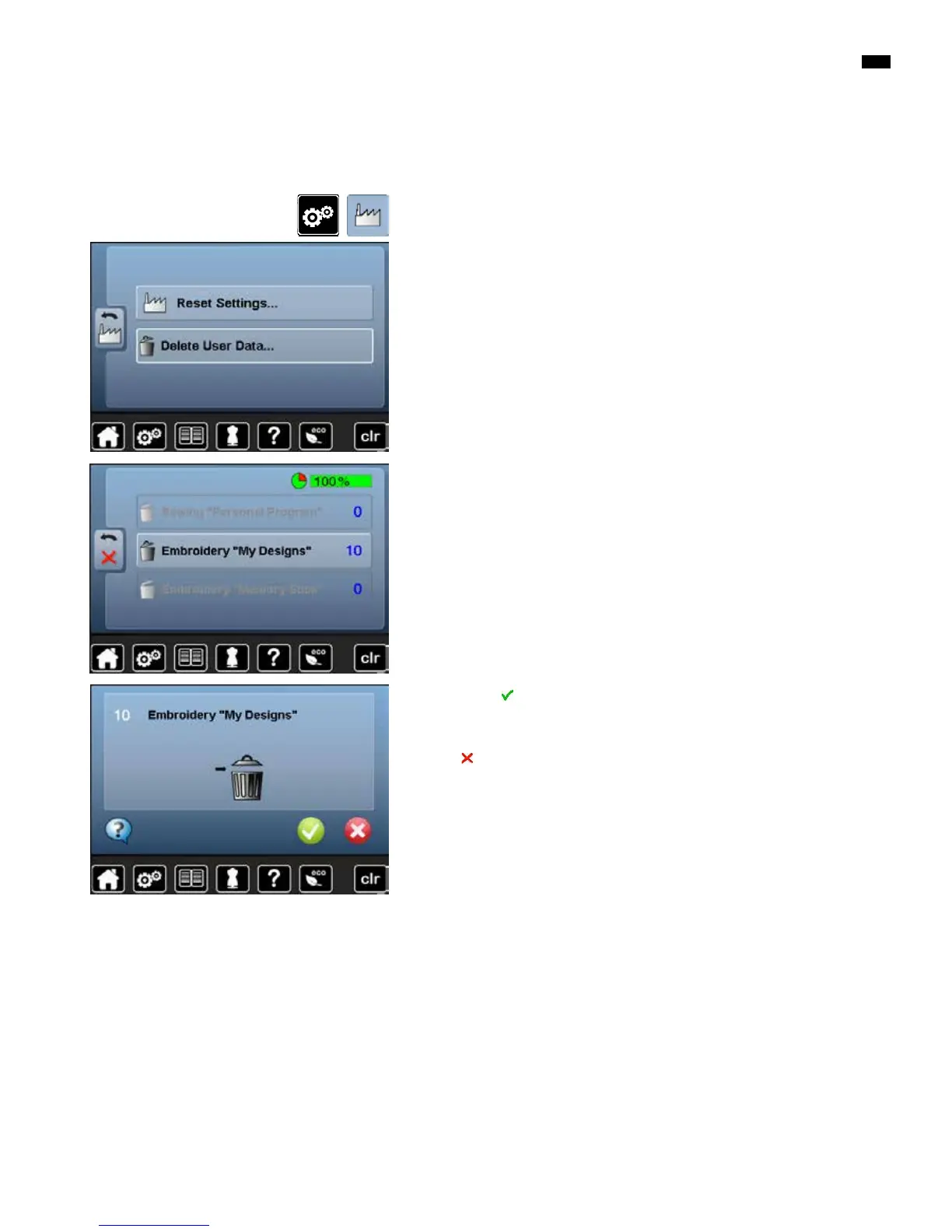
Deleting all saved motifs
█
press «Setup»-button
█
touch «Basic settings»-icon
█
touch «Delete user data»-icon
█
confirm with
►
the data is deleted
Cancelling deleting
█
touch
►
the deleting is cancelled, the previous screen appears
When embroidering there are two options to choose from:
1 My Designs
2 USB stick (the stick must be inserted)
█
touch the button of which the data should be deleted
It is possible to delete the content of the folder «My Designs» or the USB stick
all at once.



 To Next Page