141
Combinations
Creating combinations
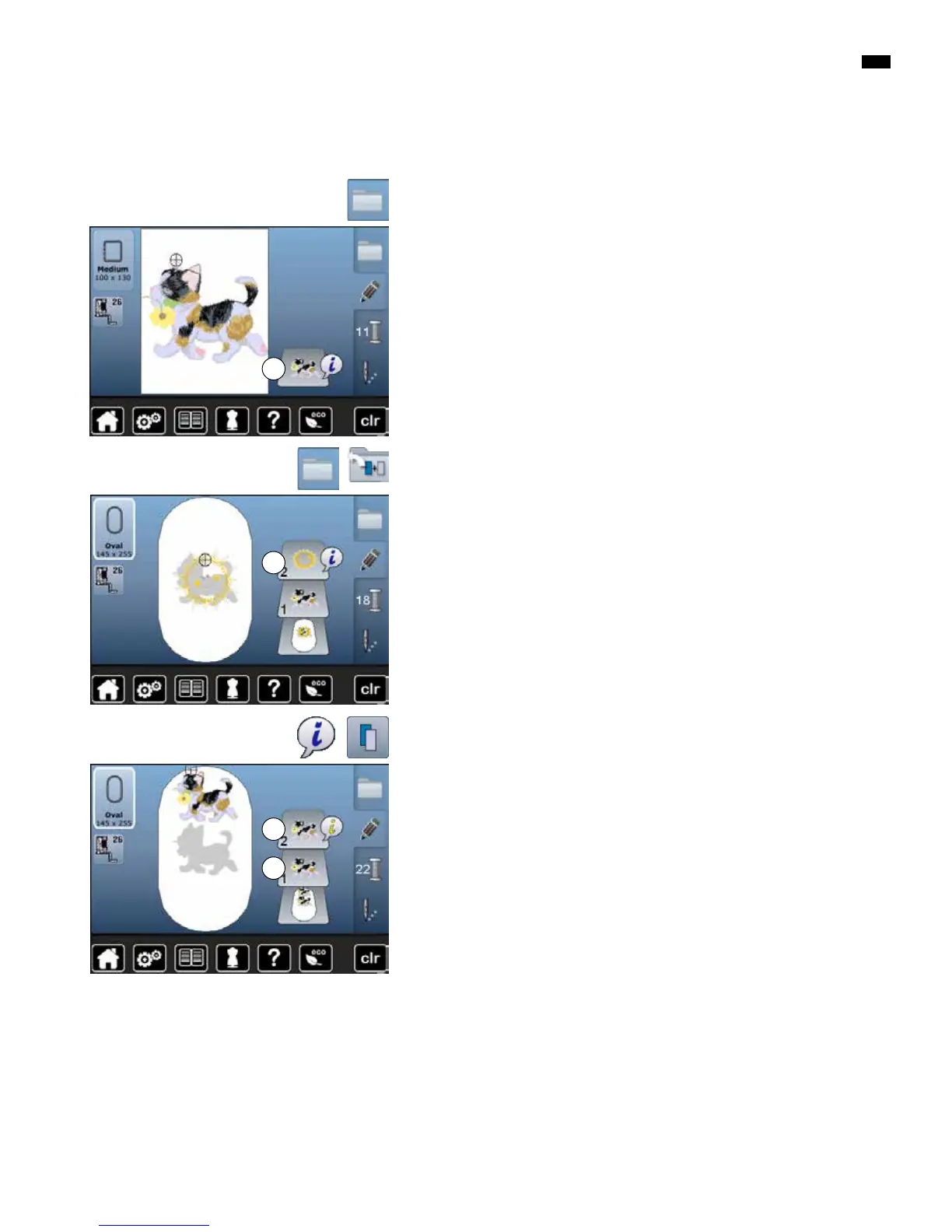
Adding Motif
█
press «Selection»-button
█
touch «Add motif»-icon
█
select the desired motif or alphabet character from the selection menu
►
the selected motif 2 is added
█
select the desired motif from the selection menu of the embroidery
computer
►
the motif 1 appears in the «Edit»-display
Motifs
Duplicating a motif
█
touch «i»-icon
█
touch «Duplicate motif»-icon
►
the active motif 1 is duplicated 2
2
1
2
1



 To Next Page