84
Buttonholes
█
alter the length of the saved buttonhole
█
touch «Back»-icon twice
█
reprogram the buttonhole as described
Altering saved buttonhole
█
touch «i»-icon
█
touch «Direct entry length»-icon
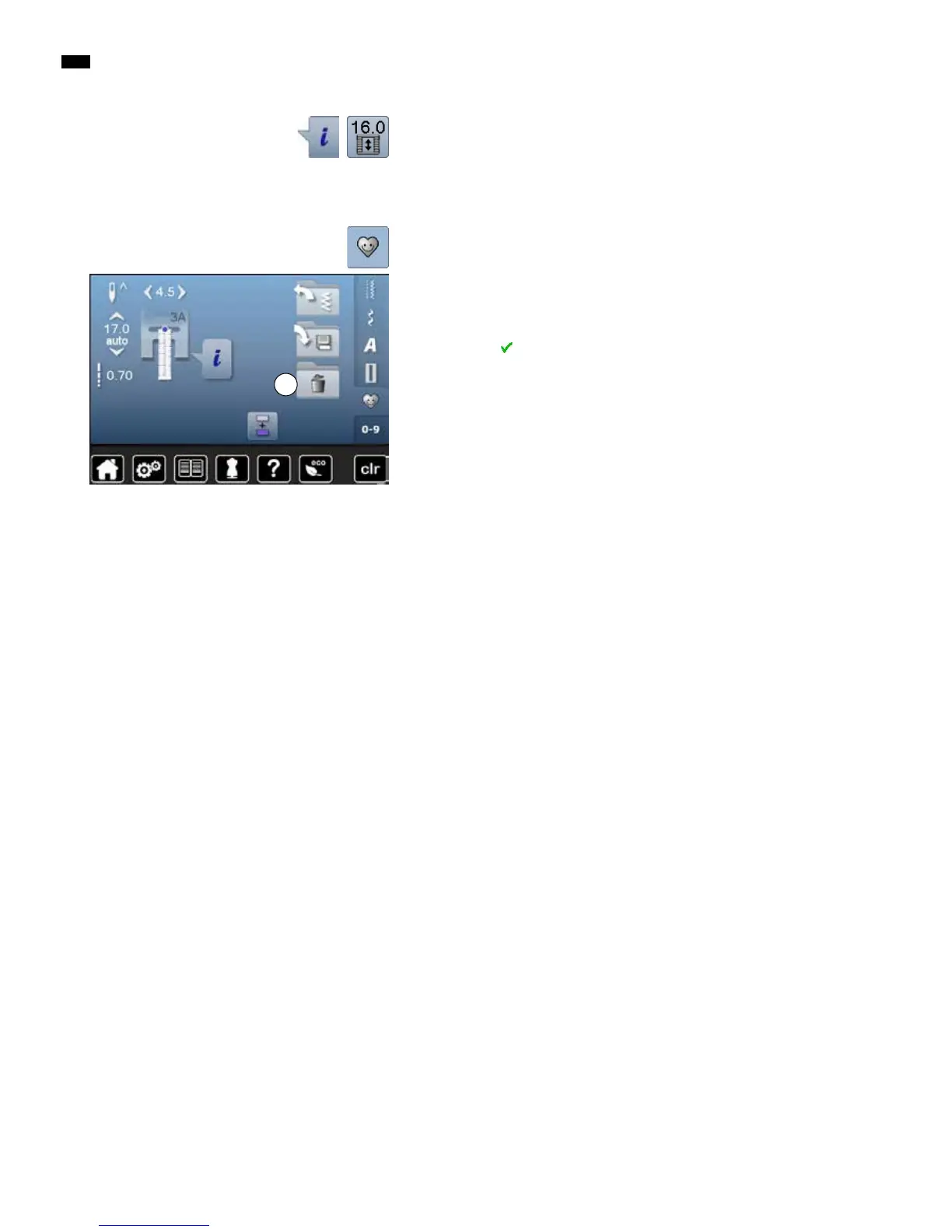
Deleting a saved buttonhole
█
touch «Delete»-icon 1
►
the saved buttonholes appear
█
select desired buttonhole
█
confirm with
►
the buttonhole is deleted
█
touch «Memory»-button
1



 To Next Page