TG 1000 – Inhalt
30
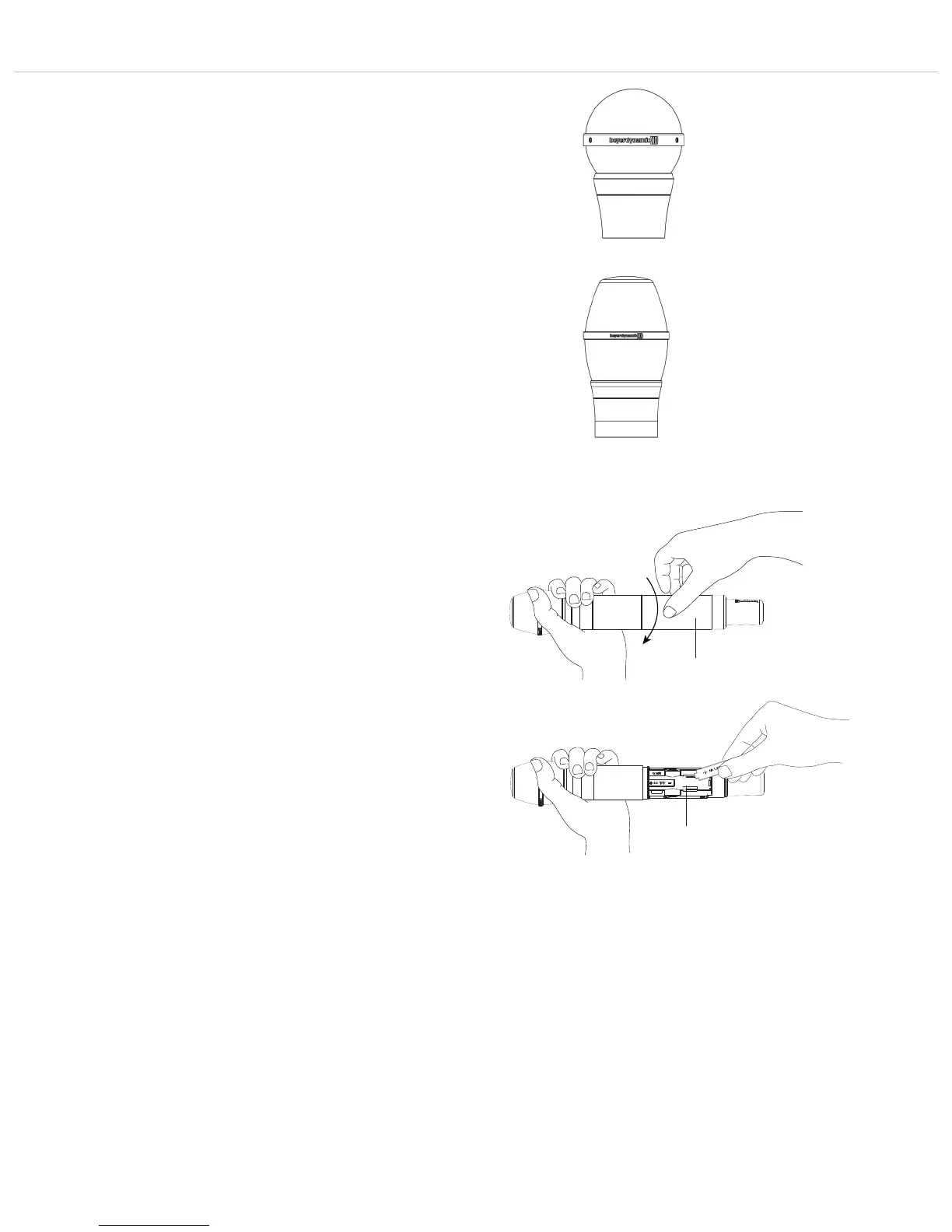
TG V90w
Dynamic ribbon microphone head, cardioid polar pattern, for
vocals. Clear, natural sound. High gain before feedback.
TG V96w
Condenser microphone head, cardioid polar pattern, for vocals.
Uncoloured reproduction. Discreet treble boost for an open and
unobtrusive sound. High gain before feedback.
3.3 How to Insert the Batteries
• Unscrew the cover of the battery compartment as indicated
by the arrows.
• Remove the cover of the battery compartment .
• Insert two alkaline batteries, AA 1.5 V or rechargeable NiMH
batteries according to the symbols in the battery compartment
• Slide the cover of the battery compartment upwards again and
tighten it.
• The current battery status is shown in the display of the
transmitter and receiver. Make sure that before the
synchronisation the appropriate battery type has been selected in
the channel menu.
• If the operating time of the batteries is approx. 30 to 40 minutes,
in the display of the receiver the “Low Batt” symbol is flashing.
• When the batteries are empty, the transmitter displays an empty
flashing battery symbol. In this case, you should replace the bat-
teries as soon as possible with new ones.
• When you use NiMH rechargeable batteries for operation, you
can recharge them with the optional WA-CD charger. During the
charging process the batteries can remain inside the transmitter.
For further information, please refer to the separate WA-CD
manual.
• Important: From time to time the battery and charging contacts
of the transmitter should be cleaned with a lint-free soft cloth
moistened with spirits or alcohol. Please remove the batteries
from the battery compartment before cleaning.



 To Next Page