TG 1000 – Digital Diversity Receiver
7
2.5 Mounting and Connection
2.5.1 Where to Place the Receiver
• Place the receiver in the same room where the transmission takes
place.
• Place the receiver as close as possible to the transmitter. For
optimal reception, a free line of sight is advisable between trans-
mitter and receiver.
• Do not place the receiver near digitally controlled devices.
2.5.2 Rack Mounting
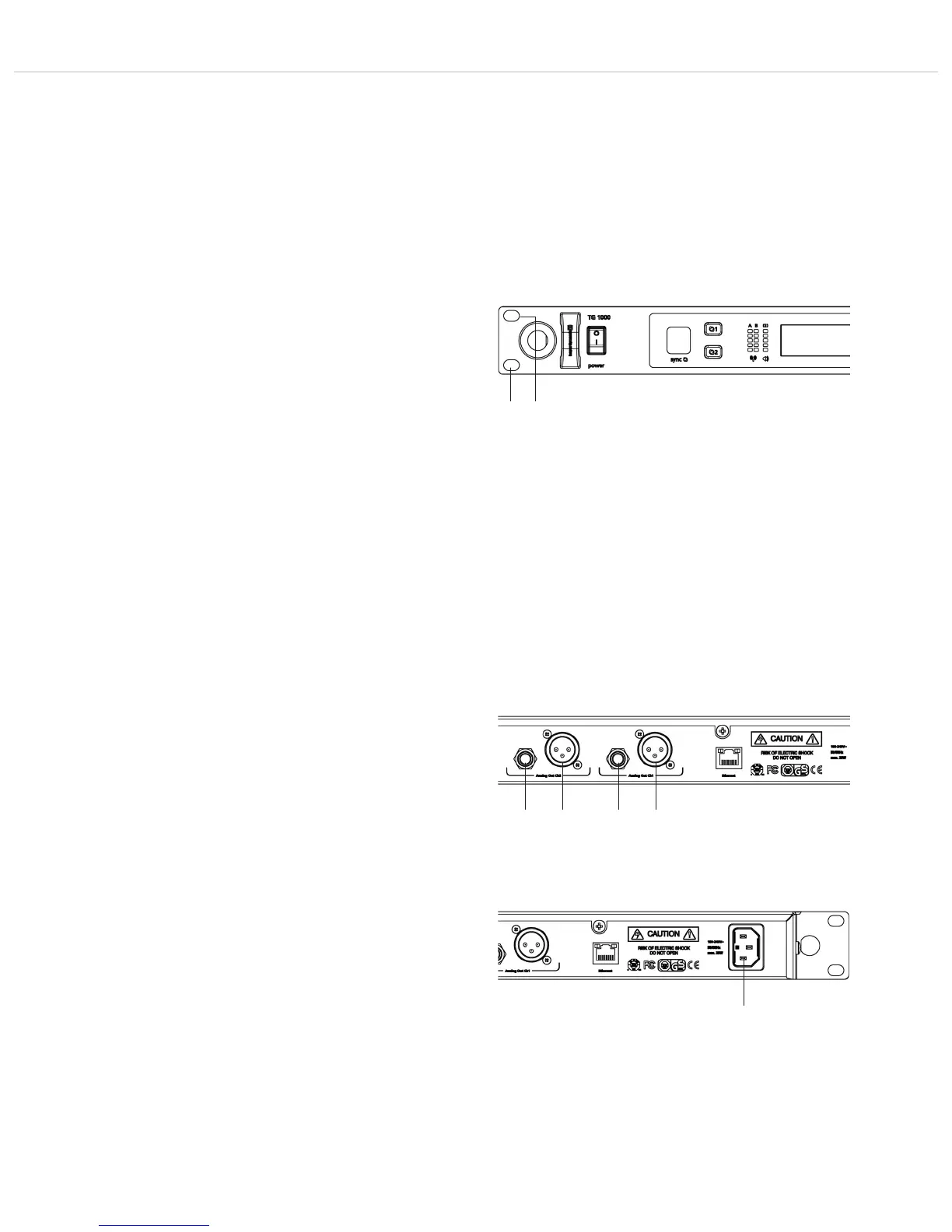
• The receiver is provided with holes on the left and right hand
side for 19" rack mounting.
• Insert the receiver into the 19" rack and tighten it with four
screws (not included in the delivery).
Warning!
• When installing the receiver into a 19 "rack or with other devices
into a rack, the ambient temperature, the mechanical stress and
the electrical potentials will be different than for devices that are
available separately.
• If you install more than one receiver into a rack, you should leave
one height unit free or you should make sure that there is an
appropriate ventilation (e.g. through ventilation panels), because
of the heat between the receivers.
• The ambient temperature of the rack must not exceed the
temperature specified in the technical specifications.
• Make sure that the rack is not top-heavy with too many devices
and will overturn.
• When connecting to the power supply read the information on
the typeplate. Avoid overloading circuits. If necessary, provide an
overcurrent protection.
2.5.3 How to Connect the Receiver to a
Microphone Input
• The receiver is provided with balanced audio outputs.
• Connect the balanced XLR or jack output of the appropriate
channel 1 or 2 to the balanced microphone input of the mixing
console or amplifier.
• Adjust the level of the audio output to the input level of the
amplifier or the mixing console in the menu settings of the
appropriate channel. Refer also to chapter 2.7 “Menu Settings”.
2.5.4 How to Connect the Receiver to the Mains/
Disconnect from the Mains
• Verify that the voltage rating of the receiver matches that of the
AC mains outlet you are to use.
Warning: If you connect the receiver to the wrong voltage, you
may seriously damage it.
• Connect the power cable to the mains connection and to a
mains socket.
• To disconnect the receiver from the mains, pull the plug out of the
appliance inlet at the rear side of the device.



 To Next Page