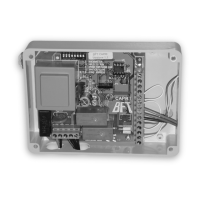
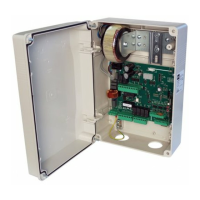
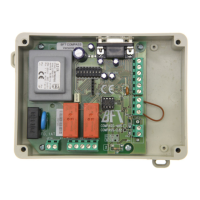
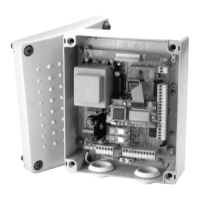
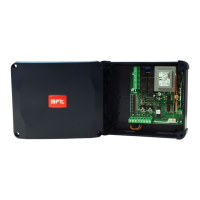
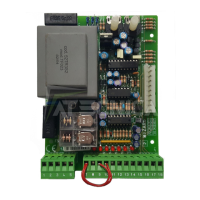
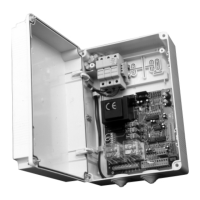
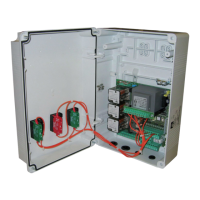
Control unit
EN
- 26 -
Cap light when opened
boom
: O
: Red
: Green
: Blue
: Pink
: Dark pink
: Orchid
: Purple
: Magenta
: Blue/Purple
: Cyan
: Light blue
Cap light when closed
boom
: Turquoise
: Sky Blue
: Aquamarine
: Light green
: Olive green
: Yellow/Green
: Yellow
: Orange
: Salmon
: Warm white
: White
: Cool white
Resetting default
parameters. (see notes
after the table)
: No resetting
: Resetting the default valves parameters and boom type
: Parameters Set up to default values, except for “COM” parameter : communica-
tion protocol
Exiting the menu/
saving
Pressing the “F” key, the programming menu is quit and the changes saved.
NOTES:
·
: Functioning logic
- Hold-to-run: The automation works when the commands are held down. The start command opens once and closes once.
- Semi automatic: The automation works with jog commands, without automatic reclosing. Hence, when fully open, to control closing
you need to act on the start or close command respectively.
- Automatic: The automation works in jogs. When the opening manoeuvre is completed in the standard cycle, automatic reclosing is
activated after the pause time set (parameter ; with the pause time is reset when the photocell is disengaged, in order to close
immediately after the vehicle passage).
·
: Close con guration
-
: Close-when-released input
This mode has been developed in order to automatically close the boom only when the vehicle has completely passed-out the photo-
cell or magnetic detector (the most suitable accessories for this purpose).
Connect the N.O. contact of the detector or photocell to the Close contact terminals.
If the vehicle is on the detector or in front of the photocell it does not cause immediate closing but rather you have to wait for the
signal to be released.
-
: The close command acts as a release closing and safety function.
When closing, the close command engaging stops the automation. When disengaged the barrier resumes closing.
·
:Default
- To restore the parameters to them factory default values, set the “DF” to 1 or 2, then quit from menu. With 2 the communication “Com”
setting is kept.
ENGLISH


 To Next Page