FP (E1.1) 07/2017 page 19/90
Fixed value entry mode (chap. 6)
• Entry of set-points for temperature and fan speed for fixed value operating mode
• Entry of set-points for temperature set-points 1 and 2 for week program operation
Program editor (chap. 8)
• Two programs with up to 10 sections each or one program with up to 20 sections can be entered
(selection in the user level, chap. 10). Entry of set-points for temperature and fan speed in all program
sections (chap. 8.2).
• Deleting a program section (chap. 8.4)
Program start level (chap. 9)
• Selection of an entered program
• Entry of settings affecting the program course, as start delay time or number of program cycles
• Program start
Week program editor (chap.7)
• Setting of the shift points
User level (chap. 10)
• User specific controller settings
• Setting the real time clock
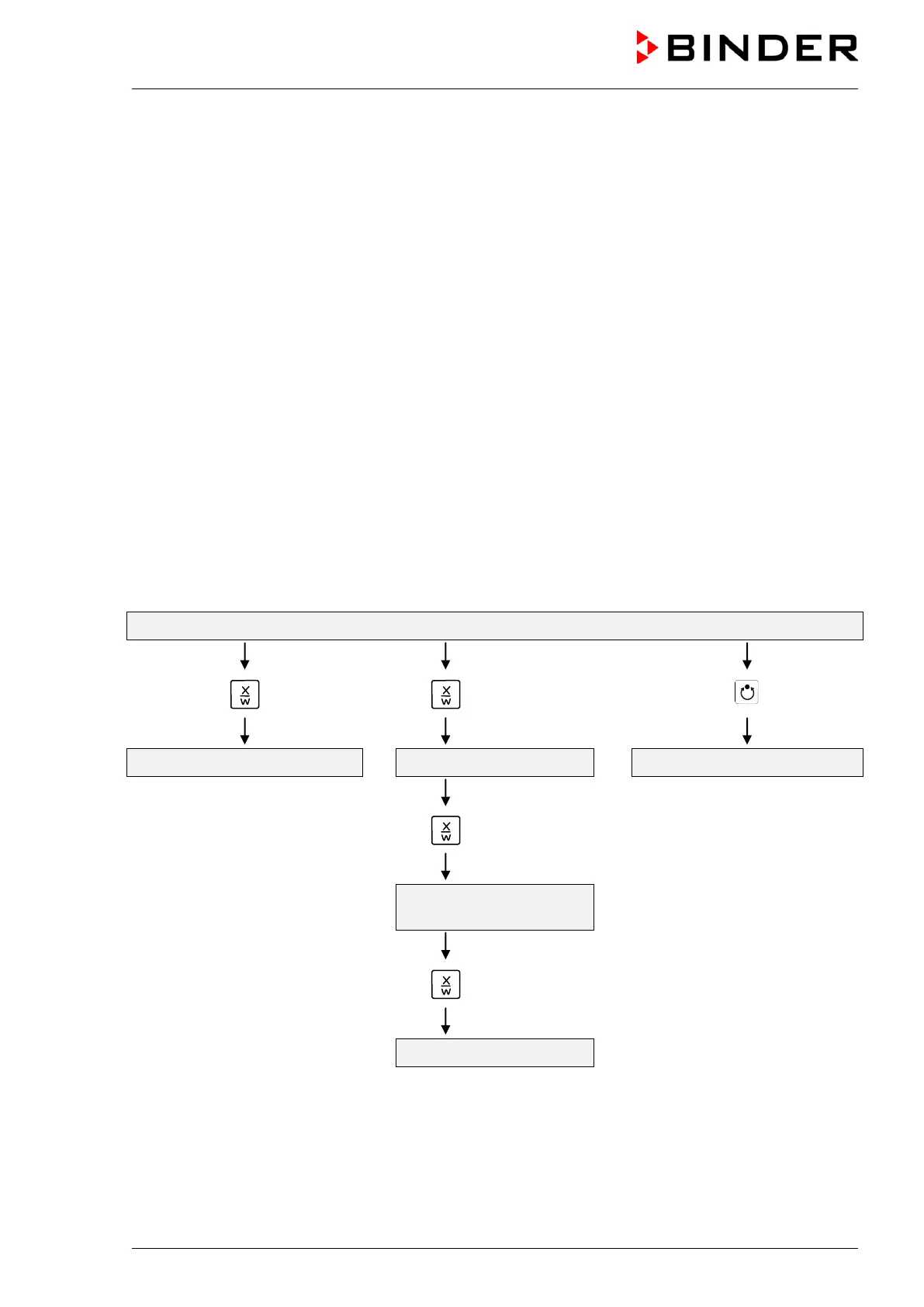
Normal Display / Fixed value operation
5 seconds
Fixed value entry mode Program editor Program start level
5 seconds
Week program editor
Menu visible only if week program
timer is activated in the user level
5 seconds
User level
If no button is touched during more than 120 sec. the controller returns from the actual level to Normal
Display.



 To Next Page