FP (E1.1) 07/2017 page 20/90
6. Fixed value entry mode
If you do not want to use the week program timer, inactivate it (factory setting, setting in the
user level, chap. 10) before entering set-points. Any setting of the operation lines in fixed
value entry mode is ineffective with active week program timer.
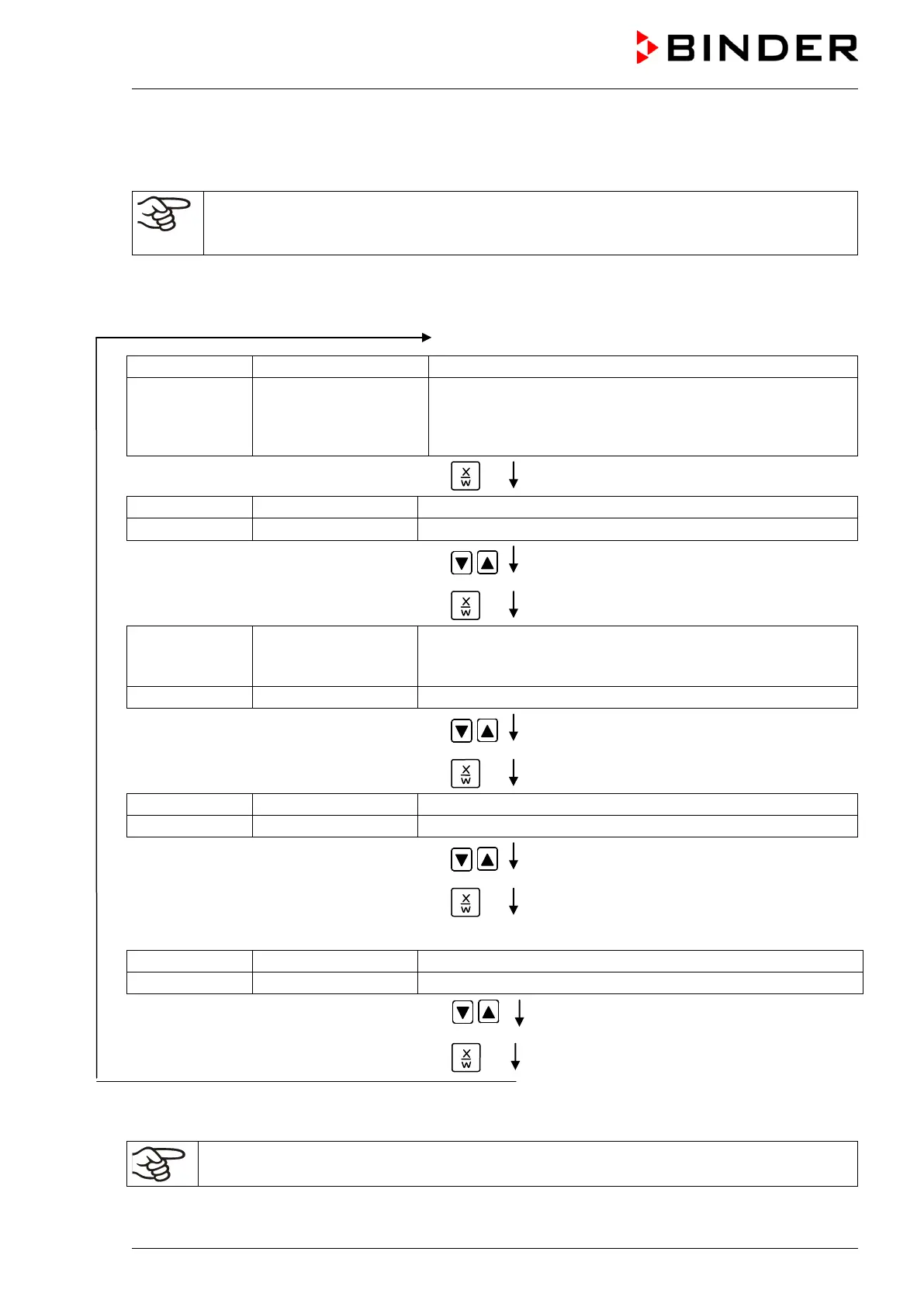
Basic entry principle: Call up the individual parameters with button X/W one after the other. Enter the
values with the arrow keys. A value flashing once after 2 seconds indicates that it has been taken over to
the controller.
Normal Display
(actual temperature value)
Display 2 shows e.g. 15.05.06 13:52 - -
(actual switching state of week
program timer channel 1: Off,
channel 2: Off
, visible only if week program timer is activated
in the user level, chap. 10)
Hit key
(actual temperature set-point 1)
(variable: temperature in °C)
Enter temperature set-point in °C with arrow
keys
Value is displayed in display 1.
Hit key
Display 1 shows e.g. 37.0
(actual temperature set-point 2)
(visible only if week program timer is activated
in the user level, chap. 10)
(variable: temperature in °C)
Enter temperature set-point in °C with arrow
keys
Value is displayed in display 1.
Hit key
(actual fan speed set-point)
(variable: fan speed in %)
Enter fan speed set-point in % with arrow
keys
Value is displayed in display 1.
Hit key
Only with option zero-voltage relay outputs via operation lines (chap 15.5):
(actual switching state of operation lines)
(variable: switching state of operation lines)
Enter switching state with arrow keys
Hit key
If no button is hit for more than 120 sec, or if the EXIT button is hit, the controller changes to Normal
Display.
When changing the set-point, check the setting of the safety device (chap. 14.1).



 To Next Page