FP (E1.1) 07/2017 page 36/90
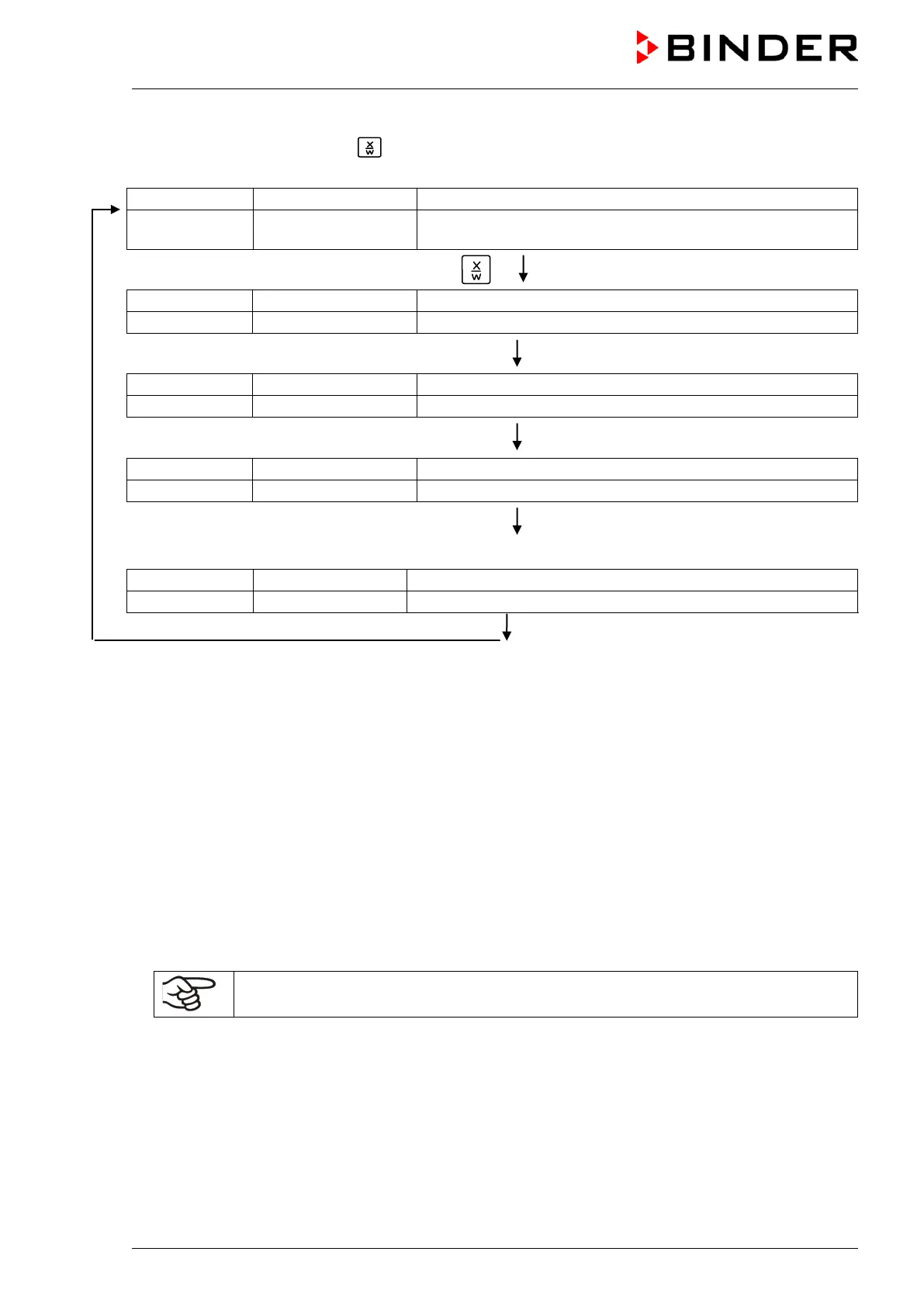
If during program course button is hit, the entered set-points of the actually running program section
are shown one after the other for 5 sec. each:
(actual temperature value)
P01:S03 00:47:12
(actual program P01, actual section S03, and remaining time
of program section S03)
Hit key
(actual temperature set-point 1)
5 seconds
(actual temperature set-point 2)
(no function during program operation)
5 seconds
(actual fan speed setting)
5 seconds
Only with option zero-voltage relay outputs via operation lines:
(actual operating contact setting)
After program runoff (and, if appropriate, of the program repeats) the controller returns to fixed value
operation showing Normal Display and adjusting to the temperature and fan speed values that have been
previously entered in the fixed value entry mode.
10. User level
In this menu the following parameters can be se (in brackets the corresponding abbreviated information
given in display 2):
• Chamber address (Adress)
Setting of controller address (1 to 255) for operation with the communication software APT-COM™.
• User code (User-cod)
Modification of the user code setting (factory setting 0001) for access to the user level and the
program editor.
Keep in mind any modification of the user code. There is no access to these levels
without a valid user code.
• Decimal point position (Decimal)
Selection if integer values or one position after the decimal point can be entered. The integer
representation is displayed in Display 2 (set-point entry) while the actual value in Display 1 is always
displayed with one decimal point.
• Buzzer (Buzzer)
Inactive: no audible signal (buzzer) in case of an alarm event.
Active: in case of an alarm event (see chap. 13.2) an audible signal (buzzer) will run. It can be reset
by hitting button EXIT.



 To Next Page