FP (E1.1) 07/2017 page 49/90
12. Example programming for the Program editor
12.1 Desired time function
From Monday to Friday the chamber shall maintain a temperature of +60 °C, and during the week-end
(Saturday and Sunday) a temperature of +30 °C.
This program shall automatically run during the whole year, i.e. it shall be programmed just once.
12.2 Proceeding overview
1. Settings in the user level (see chap. 10)
• Set maximum section duration (Prg. Time) to 999 hs. 59 min.
The maximum length of a program section can be set – in common for all program sections – to 99 hs
59 min or to 999 hs 59 min. Select setting 999:59.
When changing the maximum duration setting, pre-existing programs will be deleted in
the program editor.
• Turning off the tolerance limits function
Select setting “0” meaning tolerance limits off. Thus an interruption of the program course during the
heating-up or cooling-down phases during the rapid “set-point step” phase is avoided.
• Inactivating the week program timer
Inactivate the week program timer before entering a program (factory setting). Otherwise, any setting
of the operation lines in the program editor is ineffective.
2. Enter the time program to the program editor
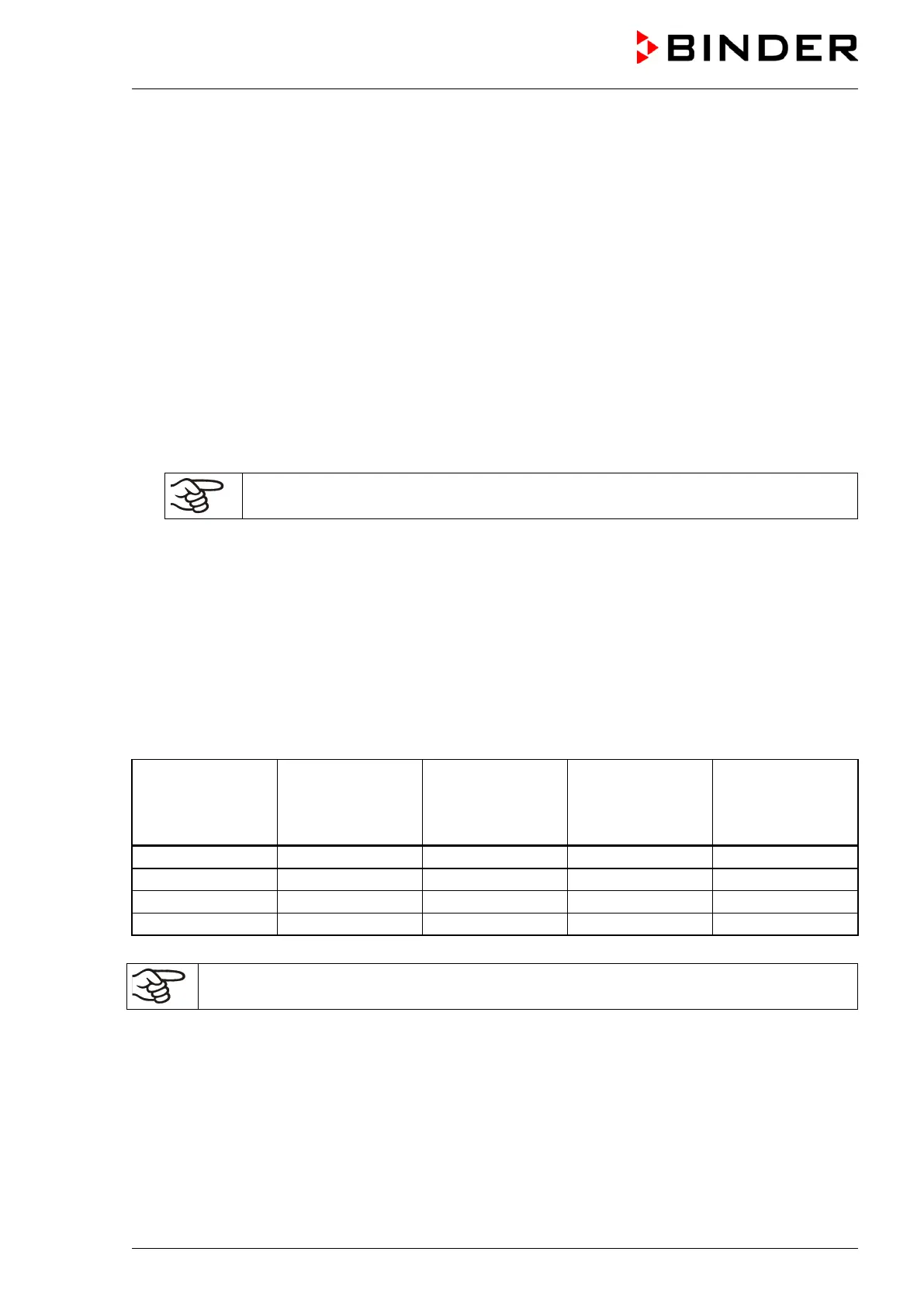
Program table for the example program:
Section
Temperature
set-point
[ °C]
TEMP
Section length
[hh.mm]
Fan speed
[%]
Operation lines
Make sure that there are no more program sections (S05 etc.) existing due to previous
programming. If so, they must be deleted (see chap. 8.4)



 To Next Page