FP (E1.1) 07/2017 page 27/90
Program table corresponding to the diagram (with default setting “Ramp”):
Section
Temperature
set-point
[ °C]
TEMP
Section length
[hh.mm]
Fan speed
[%]
Operation lines *
O.LINE
* Only with option zero-voltage relay outputs via operation lines, see chap 15.5.
The values of such a program table can now be entered to the RD3 program controller (chap. 8.2).
The end point of the desired cycle must be programmed with an additional section (in our examples S05
for set-point ramp and S08 for set-point step) with a section time of at least one minute. Otherwise the
program will stop one section too early because the program line is incomplete.
8.1.2 Programming with setting “step”
With setting “Step” selected, you don’t need to program the transition section in the Program Editor.
With setting “step” the controller will equilibrate only to constant temperatures; programming
ramps becomes impossible.
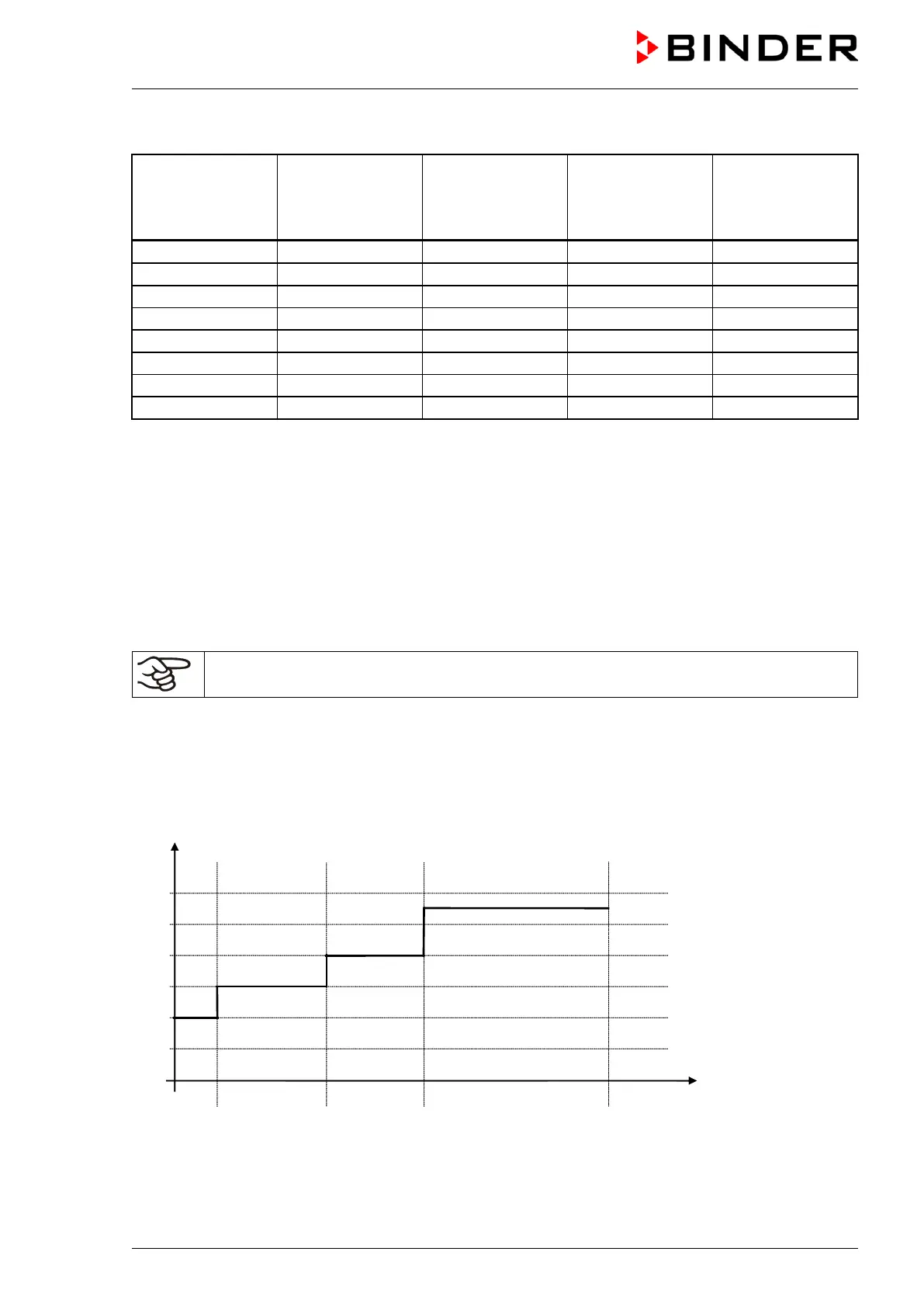
The set-points are maintained constant for the duration of the program section. At the start of each
program section, the chamber heats up in order to attain the entered set-point as fast as possible.
Program entry as set-point step (example):



 To Next Page