FP (E1.1) 07/2017 page 22/90
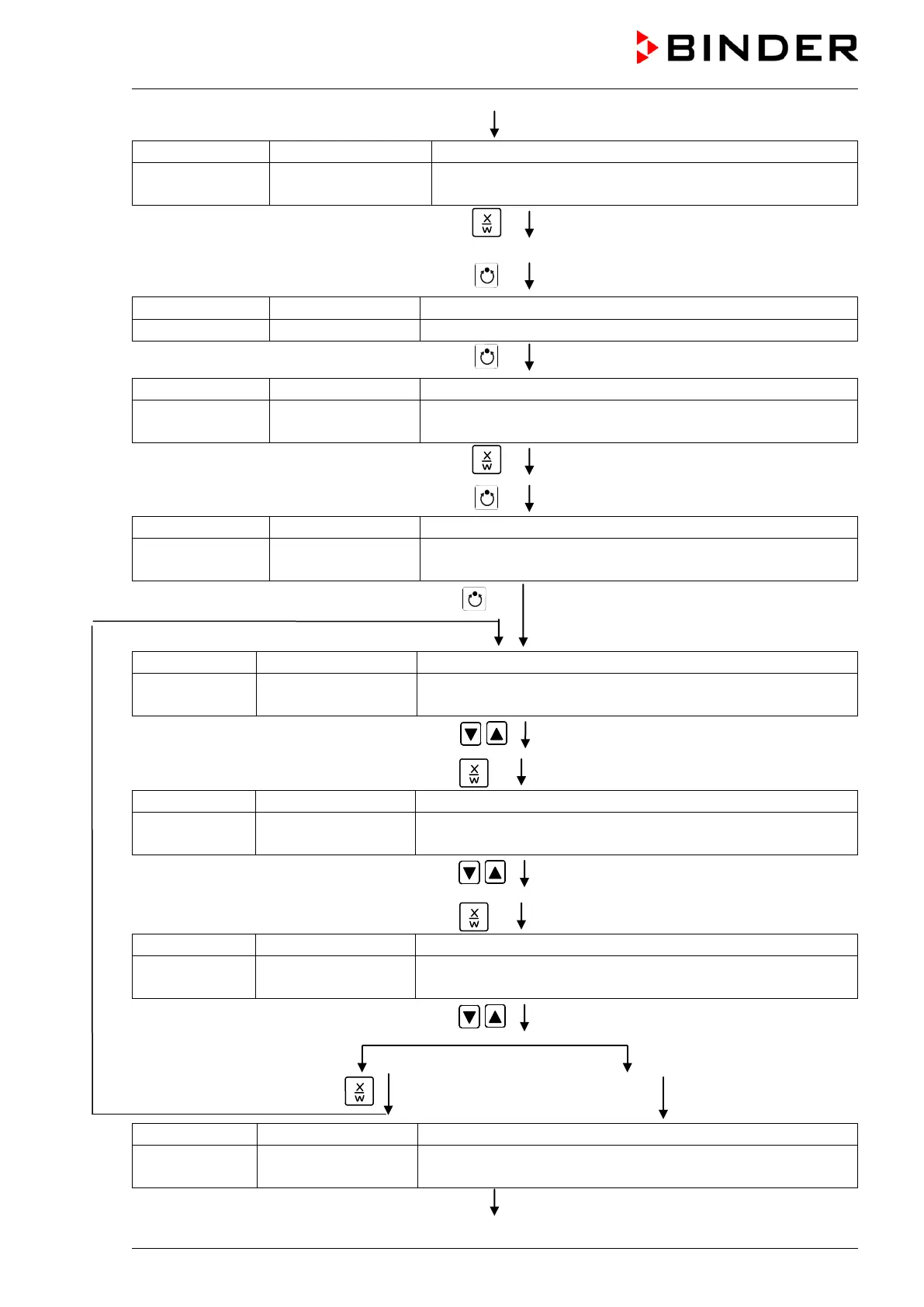
Display 2 shows Monday
(selection of day of the week)
(actual selection: Monday)
Select the day of the week (Monday up to
Sunday) with key
Day of the week is displayed in display 2.
Hit program key
Hit program key
Display 2 shows Shiftpt. 1
(selection of the shift point)
Select the shift point (1 up to 4) with key
Value is displayed in display 2.
Hit program key
(time of the selected shift point)
Display 2 shows S1: --:--
(actually selected shift point: S1)
(actual setting: shift point not programmed)
Hit program key
(time of the selected shift point)
Display 2 shows
Time --:--
(entry of time of the selected shift point)
(actual setting: shift point not programmed)
Enter the time (hh:mm) with arrow keys
Value is displayed in display 2.
Hit key
Display 2 shows Ch1 = SP2: Off
(entry of state of channel 1)
(actual setting: Off)
Enter the state of channel 1
(On or Off) with arrow keys
Setting is displayed in display 2.
Hit key
Display 2 shows Channel 2: Off
(entry of state of channel 2) (no function)
(actual setting: Off)
Enter the state of channel 2
(On or Off) with arrow keys
Setting is displayed in display 2.
Hit key
Hit key EXIT
(time of the selected shift point)
Display 2 shows S1: 08:30 - -
(actually selected shift point: S1)
(actual setting: time 08.30, channels Off)



 To Next Page