FP (E1.1) 07/2017 page 47/90
(time of the selected shift point)
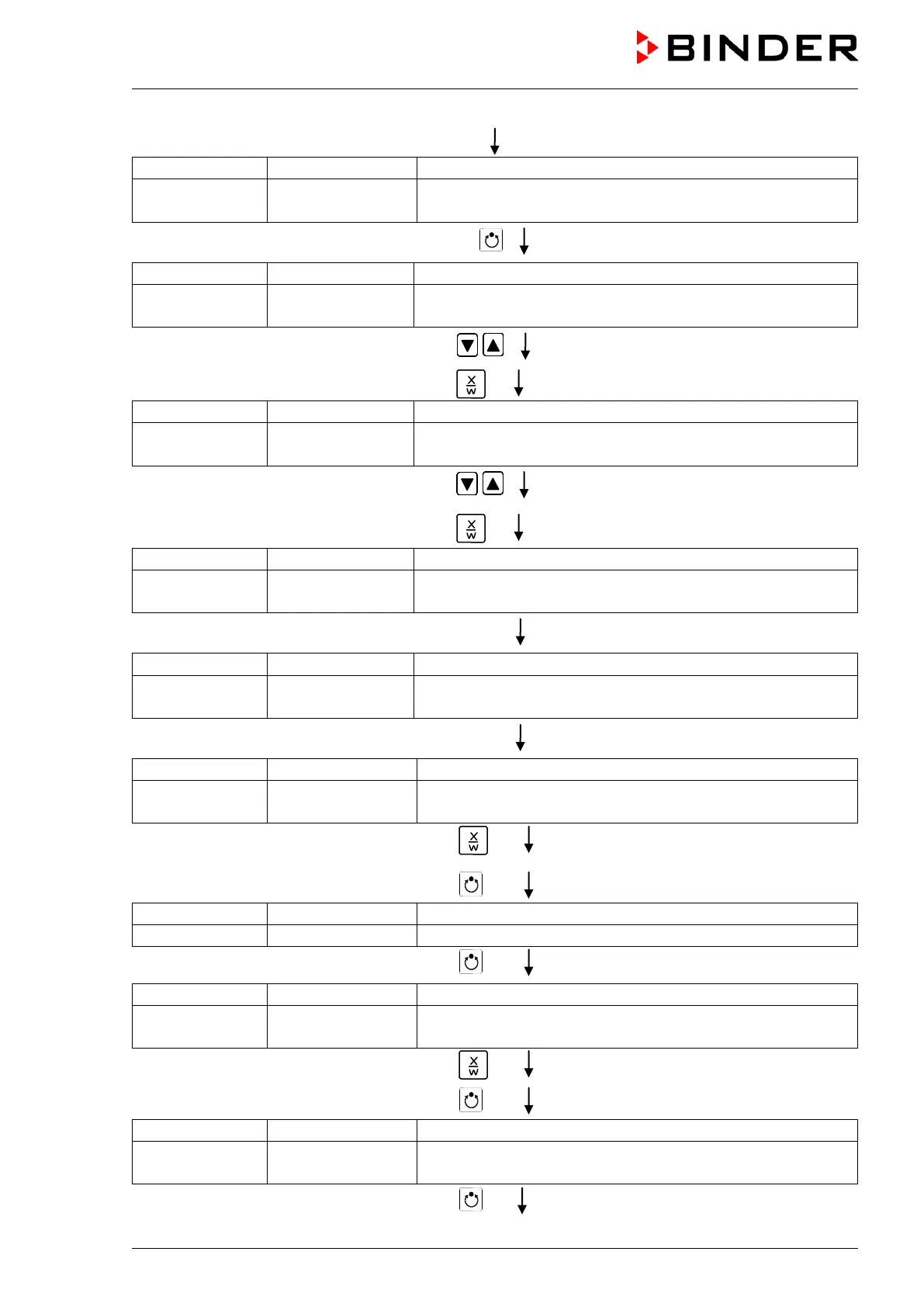
Display 2 shows S1: --:--
(actually selected shift point: S1)
(actual setting: shift point not programmed)
Hit program key
(time of the selected shift point)
Display 2 shows Time 06:00
(entry of time of the selected shift point)
(actual setting: 6.00, i.e. 6 a.m.)
Enter the time 06:00 with arrow keys
Value is displayed in display 2.
Hit key
Display 2 shows Ch1 = SP2: On
(entry of state of channel 1)
(actual setting: On)
Enter the state of channel 1
On with arrow keys
Setting is displayed in display 2.
Hit key
Display 2 shows Channel 2: Off
(entry of state of channel 2)
(actual setting: Off)
Hit key EXIT
(time of the selected shift point)
Display 2 shows S1: 06:00 � -
(actually selected shift point: S1)
(actual setting: time 06.00, channel 1 ON)
Hit key EXIT twice
to select the next day of the week
Display 2 shows Friday
(selection of day of the week)
(actual selection: Friday)
Select the next day of the week (Friday
key
Day of the week is displayed in display 2.
Hit program key
Hit program key
Display 2 shows Shiftpt. 1
(selection of the shift point)
(actual shift point: 1)
Select shift point 1 with key
Value is displayed in display 2.
Hit program key
(time of the selected shift point)
Display 2 shows S1: --:--
(actually selected shift point: S1)
(actual setting: shift point not programmed)
Hit program key



 To Next Page