BD-S / BD-S-UL, ED-S / ED-S-UL, FD-S / FD-S-UL (E1) 03/2022 page 25/60
10. Timer function “Delayed Off”
The chambers offer the timer function “Delayed Off”.
This function serves to set a delay time until the control is turned off.
The selected timer run-time immediately starts running down.
When the timer expires, control deactivates (standby mode), heating and fan (with FD-S / FD-S-UL) turn
off. The lower display in Normal display shows “OFF”.
10.1 Setting the timer run-time
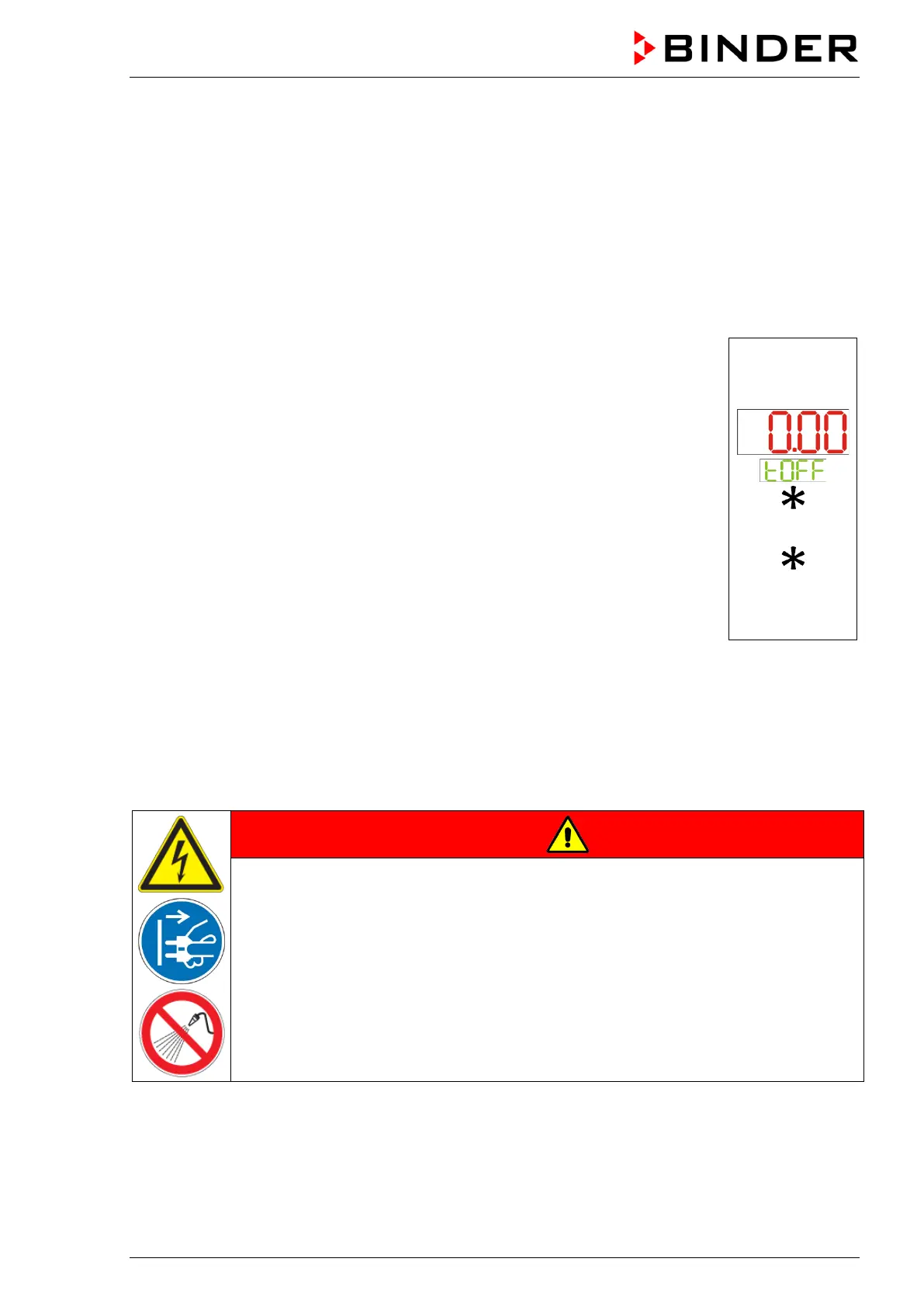
In Normal display press the arrow-up button twice to access the “tOFF” entry
menu.
The current timer run-time [hh.mm] is displayed (upper display)
Press the confirmation button to activate the entry. The display “tOFF” flashes.
Set the desired timer run-time with the arrow buttons and confirm with the con-
firmation button.
Press the arrow-down button twice to return to Normal display.
or
11. Cleaning and decontamination
Clean the chamber after each use to avoid potential corrosion damage by ingredients of the test material.
Prior to renewed startup, allow the chamber to completely dry after all cleaning and decontamination
measures.
DANGER
Electrical hazard by water entering the chamber.
Deadly electric shock.
∅ Do NOT spill water or cleaning agents over the inner and outer chamber surfaces.
∅ Do NOT put ANY cleaning aids (cloth or brush) into slots or openings on the chamber.
Disconnect the power plug before cleaning. Let the chamber cool down to ambient tem-
perature.
Completely dry the chamber before turning it on again.


 To Next Page