32 Making the documents
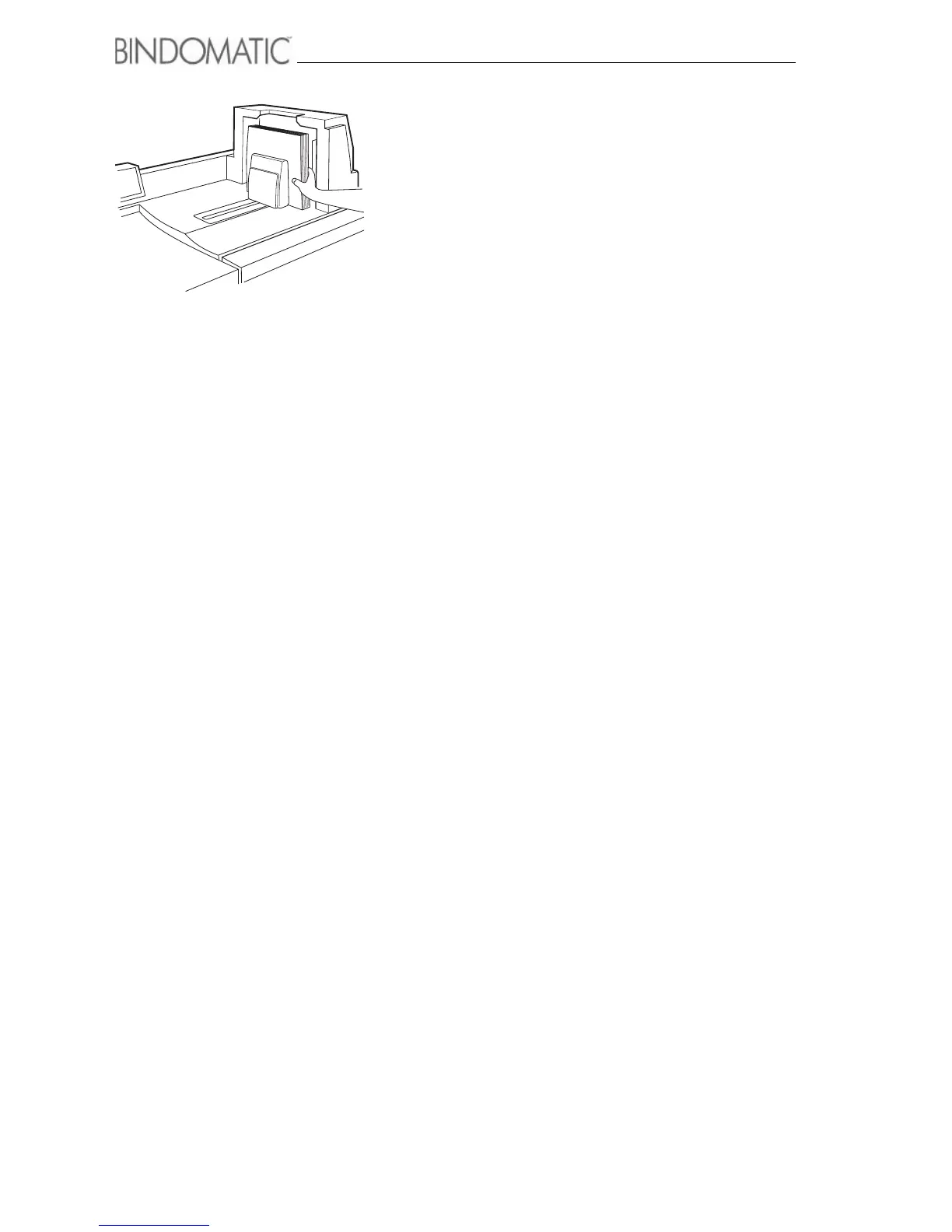
5. Retrieve the bound documents from the Output Tray of the
301 DFS.
NOTE: The entire binding process for each copy set takes
about two minutes from the time the copy set enters the
301 DFS until it is available as a bound document in the
Output Tray of the 301 DFS.
NOTE: When the documents exit the 301 DFS, you can
handle them and browse through them. You should not,
however, test binding strength or allow them to lie open
until the glue in the cover spine has cooled and reached
full strength. The recommended cool-down time depends
on the width of the spine and the number of documents.
Refer to the document cool-down table in chapter 7,
”Technical data”.



 To Next Page