Making the documents 33
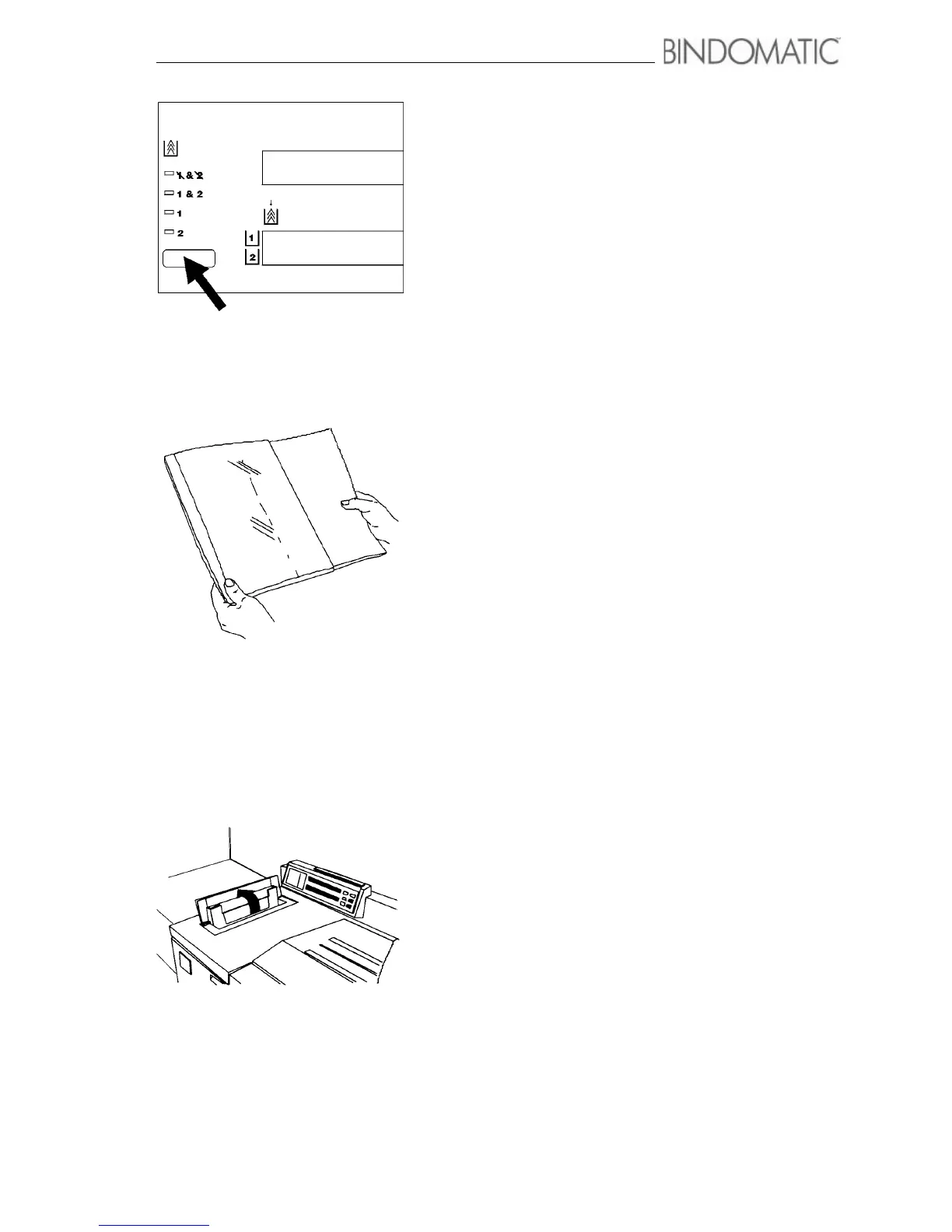
Manual operation without using the Cover Trays
Use this procedure when the 301 DFS is in off-line mode and
you wish to insert the covers manually. Manual insertion of
covers is helpful when you are binding just a few documents
and neither Cover Tray contains the correct covers. It
eliminates the effort of loading the correct cassettes into a
Cover Tray.
1. Select 1 & 2 (None) from the Cover Supply section on
the Control Panel of the 301 DFS.
2. Insert the copy set into the document cover according to
the page orientation, step a or b.
a. For portrait (vertical) page orientation, insert the copy
set so that the top page of your copy set faces the front
of the cover and the cover spine is to the left of the
image on the pages.
NOTE: Binding edge shall face glue strip inside the cover.
b. For landscape (horizontal) page orientation, insert the
copy set so that the top page of your copy set faces the
front of the cover and the cover spine is to the left of
the top of the pages.
NOTE: Binding edge shall face glue strip inside the
cover.
3. Open the Manual Feeder Door.



 To Next Page