34 Making the documents
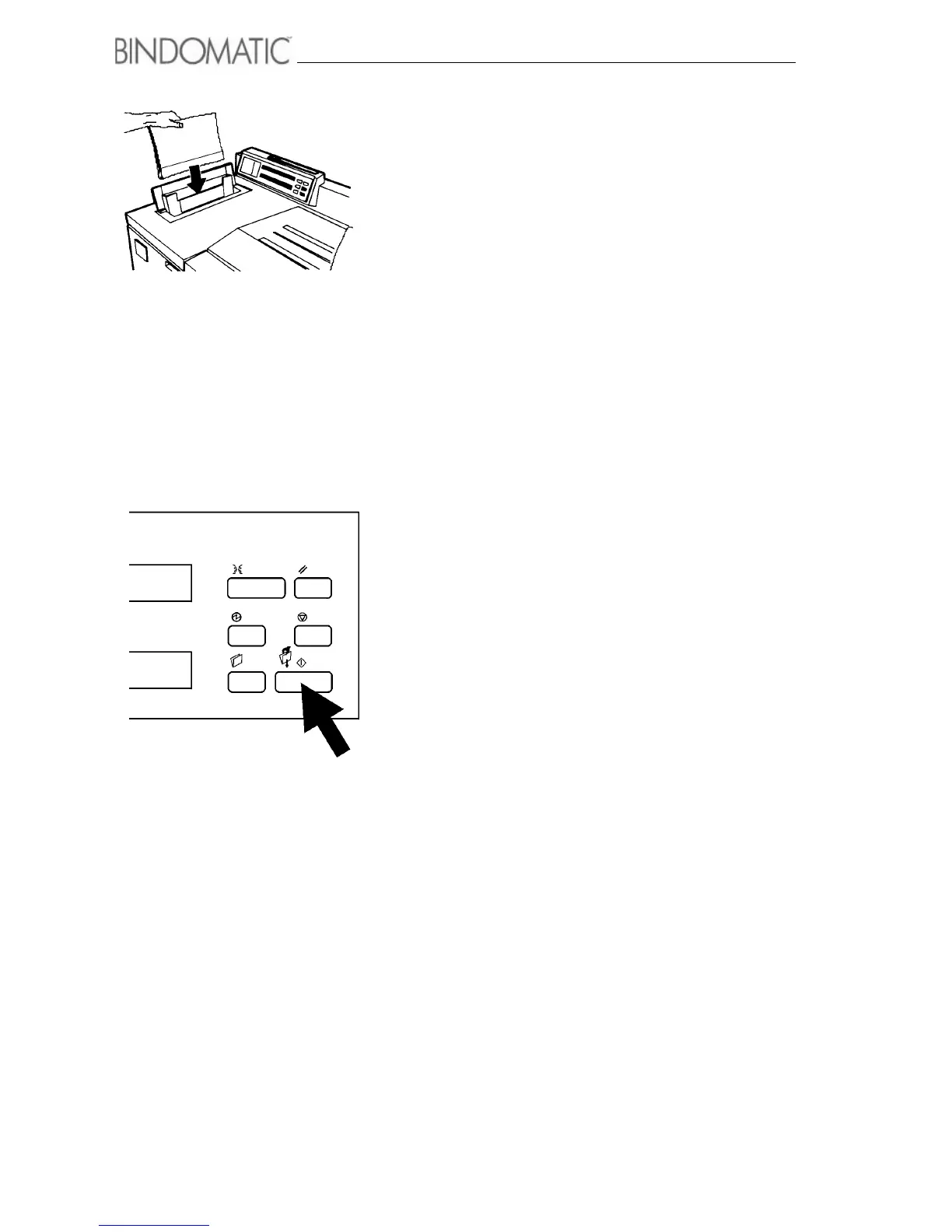
4. Insert the copy set with the cover into the Manual Feeder
according to the page orientation. Insert the copy set with
the cover so that the cover spine faces downward into the
Manual Feeder.
NOTE: Follow the orientation labels on the Manual
Feeder area of the 301 DFS.
5. Press the Manual Start button on the Control Panel of the
301 DFS.
NOTE: If you are binding more than one document, you
can streamline the process by feeding the sets within 15
seconds of each other. Doing so eliminates the need to
press the Manual Start button for each document.



 To Next Page