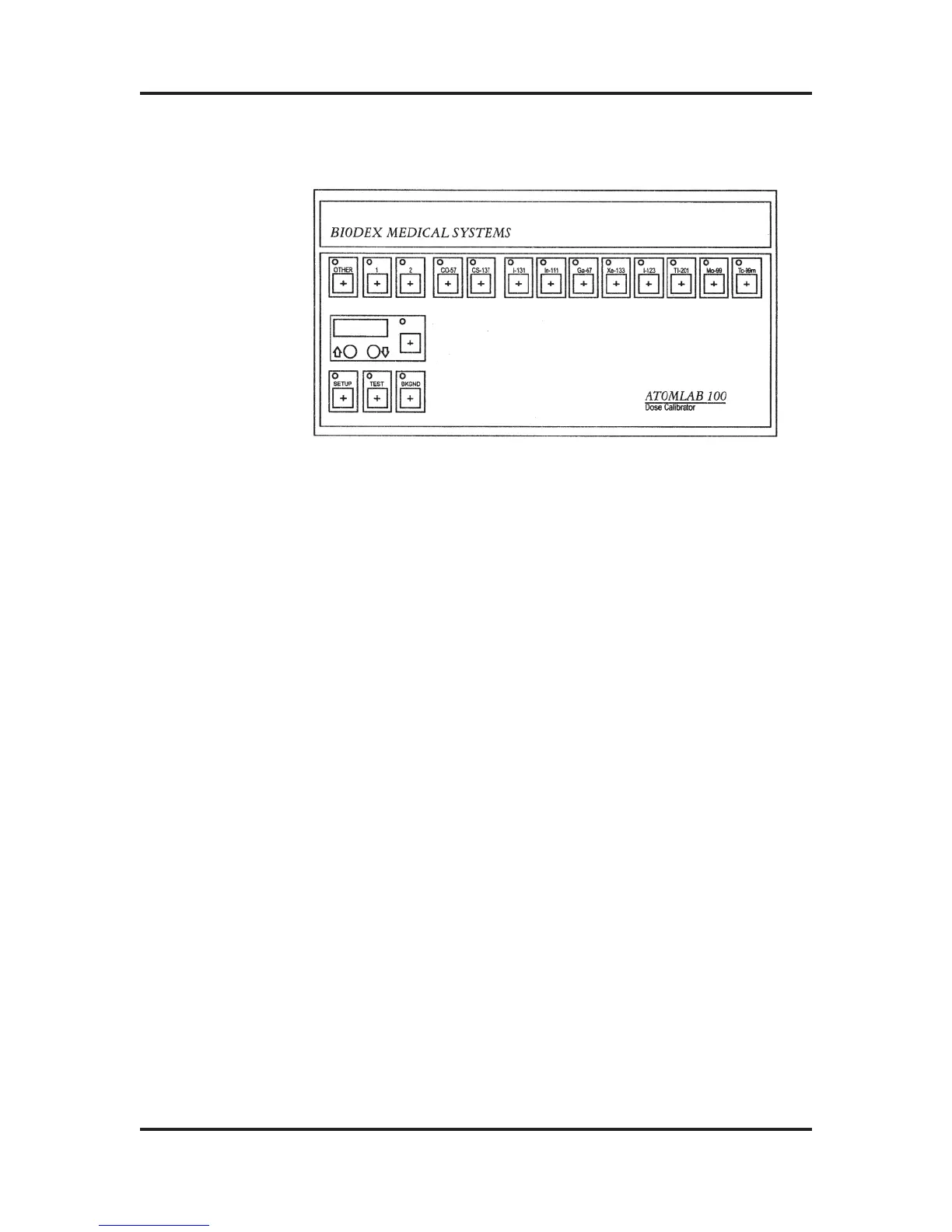
Figure 3-1: Atomlab 100 Front Panel Display
GETTING STARTED
If you have not done so already, reach behind the Display
Unit and flip up the power switch from the left position (0) to
the right (-) to power up your system. The TEST key LED
will illuminate and the Atomlab will automatically initiate a
Self-Test program.
For any Atomlab 100 Self-Test initiated by turning the unit
ON, a pause occurs approximately 20 seconds after power-
up. This allows the user to enter the number of Chamber
Units connected to the Display. If you are using a single
chamber, press the ENTER key when it begins to flash. The
Self-Test will continue and, if no errors are detected, the
Atomlab 100 will enter its normal operating mode. If you are
using multiple chambers, refer to the Instruction Sheet pro-
vided with your Multi-Chamber Manual Interface for details
on entering multiple chambers during the Self-Test.
Note that Atomlab 100 Self-Tests initiated by pressing
the TEST key do not require the user to enter the number of
Chamber Units connected. They automatically place the
Atomlab in normal operating mode without a pause.
Any error detected during the Self-Test will show as an Error
Message in the Activity Display. Refer to Appendix A for a
description of Error Messages and the proper course of action.
ATOMLAB Dose Calibrator Operation Manual Chapter 3
Biodex Medical Systems 3-2 Release 2.0
Power-up



 To Next Page