E30 Digital Electrocardiograph User’s Manual
1-3
Function button
NO. Name Note
1
Menu button
Press to enter the main menu interface.
2
Working mode switch button
Press to switch the current working mode.
3
Waveform gain select button
Press to adjust the ECG waveform gain.
4
Filter bandwidth select button
Press to adjust the bandwidth of filter.
5 Scan speed select button
Press to adjust the waveform scanning
speed and the paper moving speed of
recorder.
6 Record button Press to start or stop record.
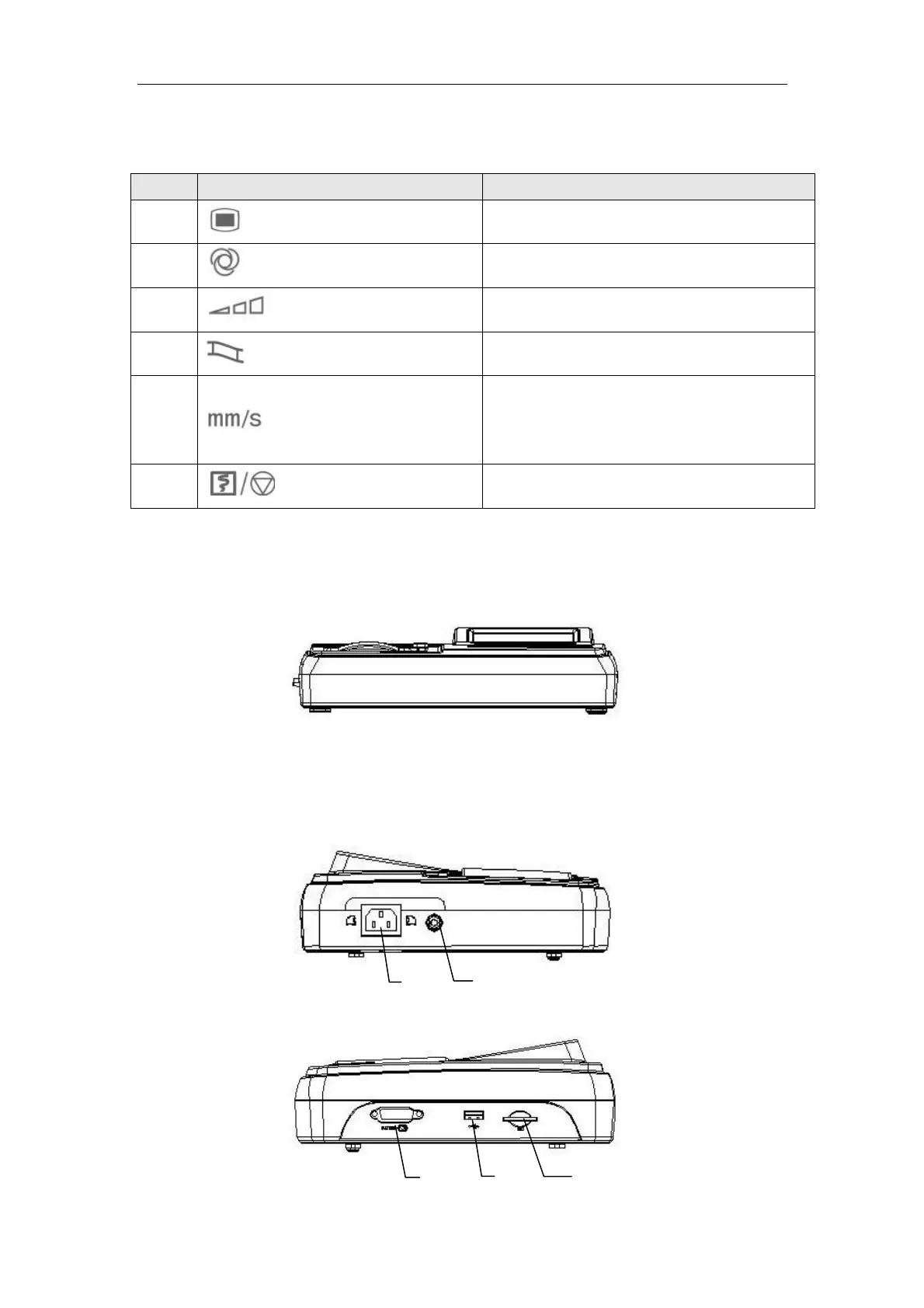
1.4.2 Front View
1.4.3 Side View
Left side:
Right side:
2
1
5
4
3



 To Next Page