E30 Digital Electrocardiograph User’s Manual
1-4
NO. Name Note
1
AC mains socket Connect to AC power
2
Equipotent
grounding terminal
Connect to the Equipotential grounding
system of hospital
3
Patient cable socket Connect to patient cable
4
USB connector Standard USB connector
5
SD memory card slot Can be inserted SD memory card
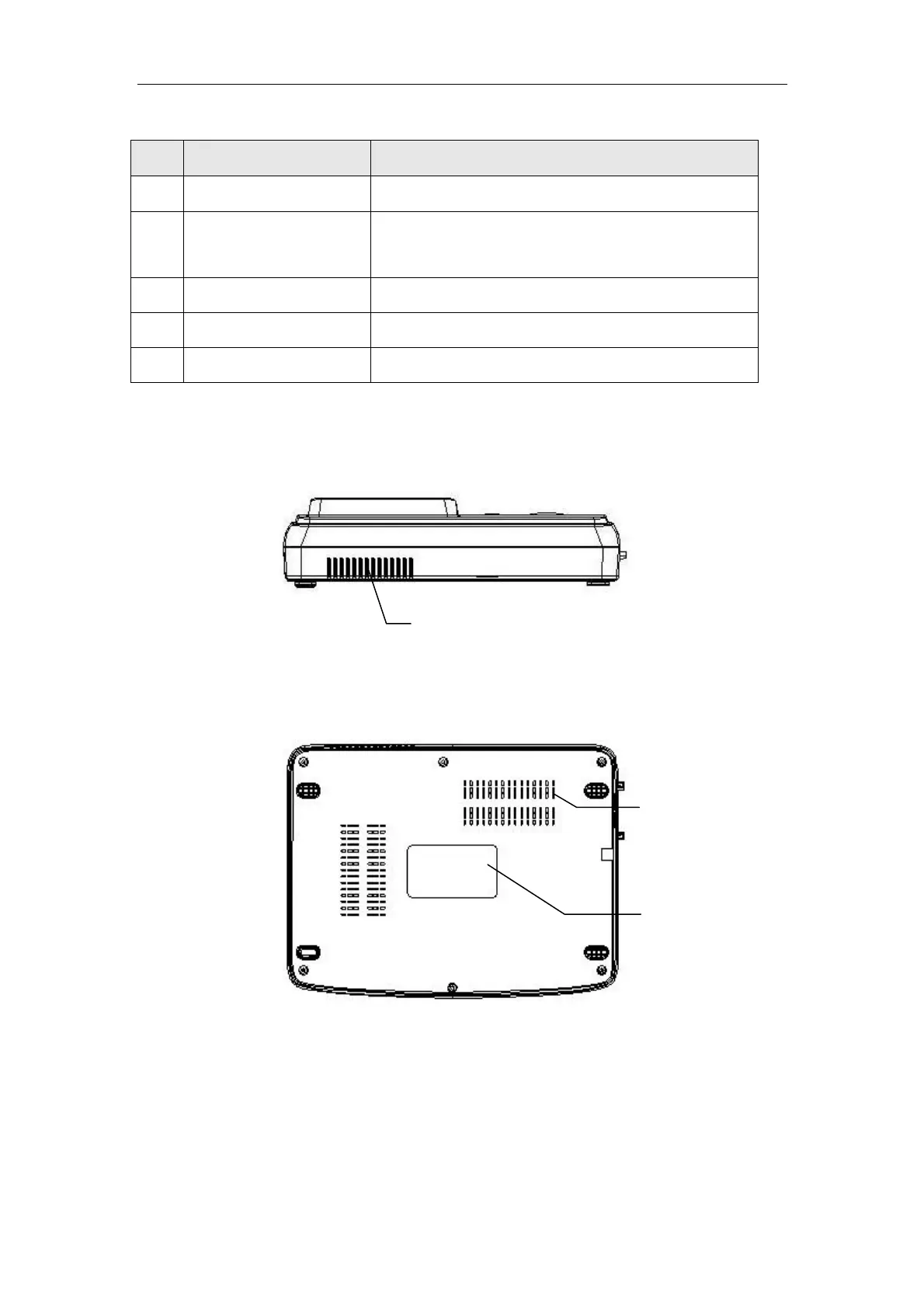
1.4.4 Back View
1.4.5 Bottom View
1.5 Screen Display
The following is the main interface of electrocardiograph:
Product
nameplate
Radiator
Radiator



 To Next Page