E30 Digital Electrocardiograph User’s Manual
4-5
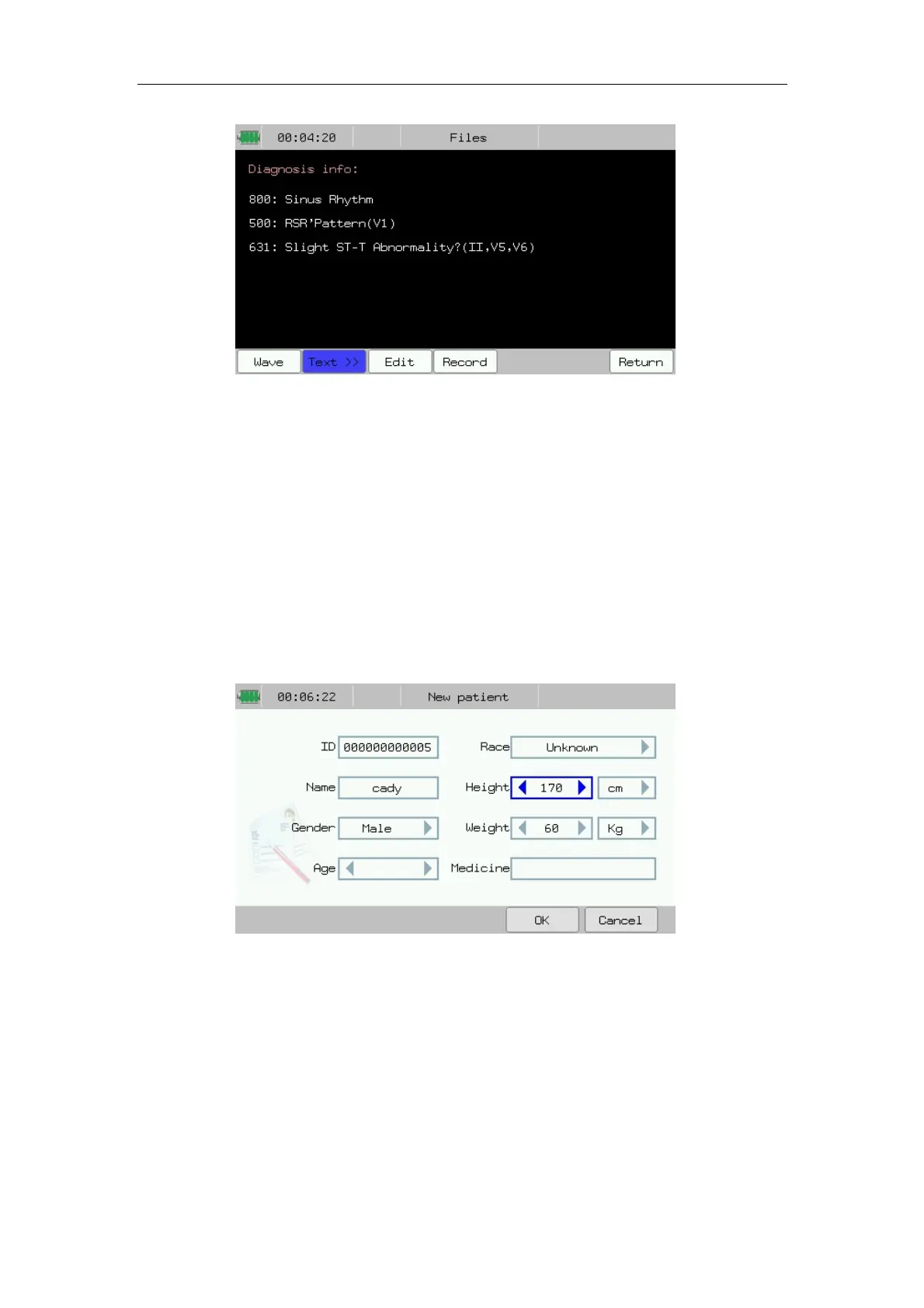
Fig.4-7: File Review--Text display (Diagnose Info)
In the figure4-4 to 4-7, you may conduct the following operations:
——Select【Edit】: Can change patient info saved in file.
——Select【Record】: Can record the current ECG report.
——Select【Return】:Back to the previous interface.
4.4.3 File Edit
Press 【Edit】 in file review interface to enter patient info edit interface.
You can edit the patient info according to the following chart:
Fig.4-8: Edit—Patient Info
This patient info inputting may only be effective on selected file.
4.5 Work Mode Setup
In main interface, you can switch electrocardiograph’s work mode by
pressing 【Work mode】. Work mode contains: Auto mode, Manual mode and



 To Next Page