E30 Digital Electrocardiograph User’s Manual
4-4
4.4.2 File Review
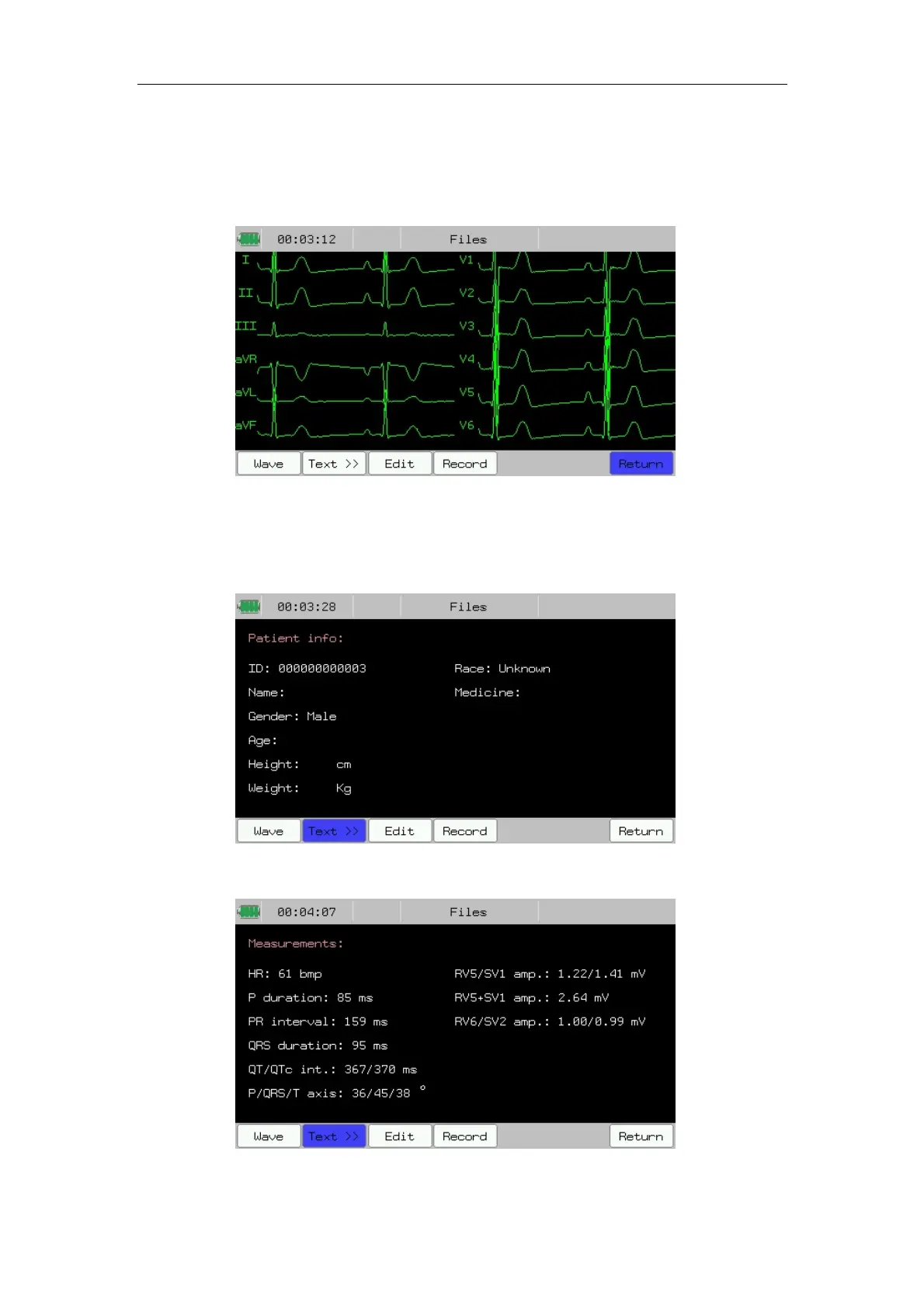
After choosing a patient data in file management interface, Press 【Review】
can enter the following file review interface.
Fig.4-4: File Review--Waveform
In the interface, you can select 【Wave】 or 【Text】 to review the
waveform or text info. Shown as follows:
Fig.4-5: File Review--Text display (Patient Info)
Fig.4-6: File Review--Text display (Measure Result)



 To Next Page