E30 Digital Electrocardiograph User’s Manual
4-6
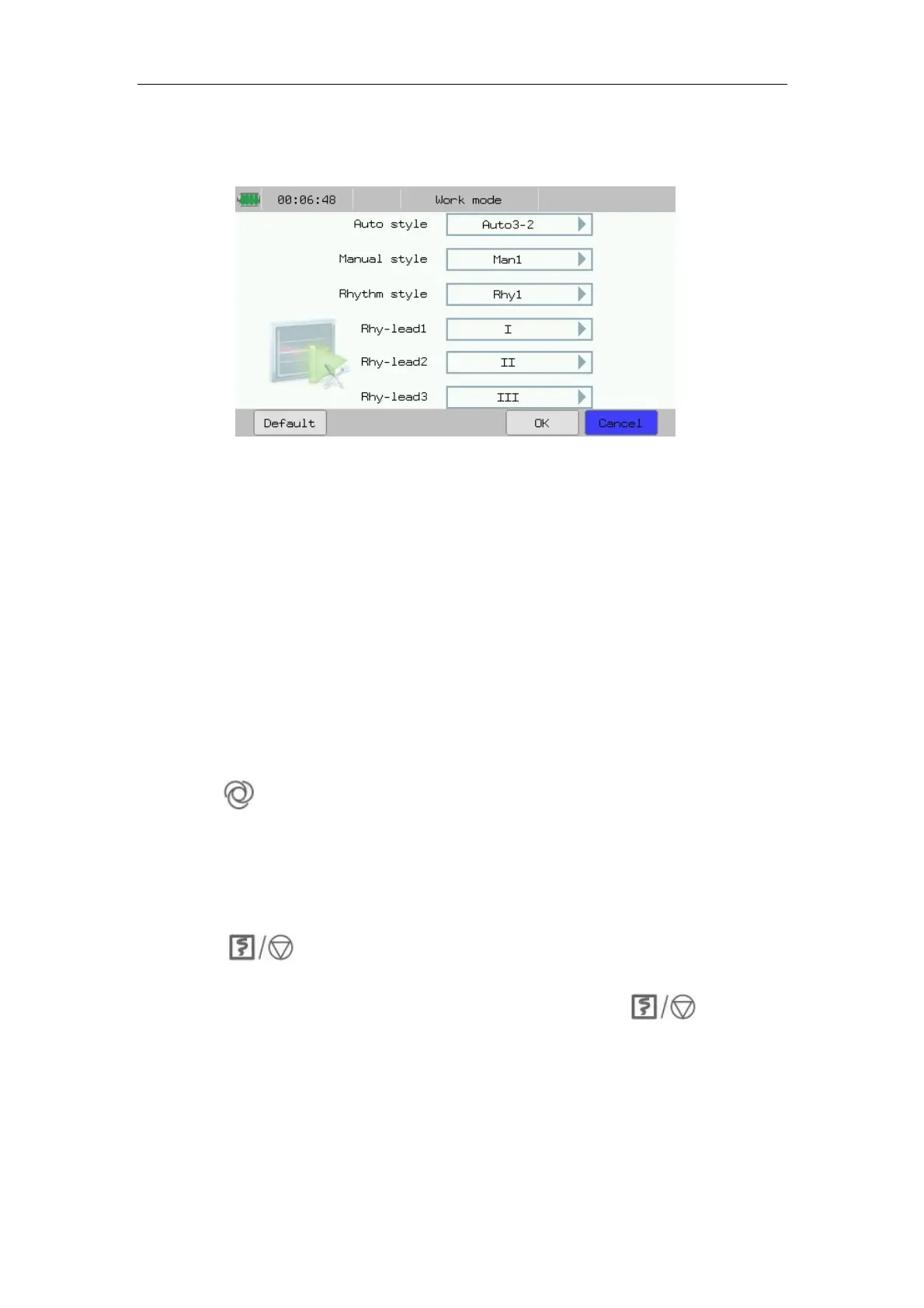
Rhythm mode. In this interface, you can set the parameters of Auto style,
Manual style, Rhythm style and Rhythm leads. Shown as following chart:
Fig.4-9: Work Mode Setup
4.5.1 Auto Mode
During ECG recording in Auto mode, the lead group will switch over
automatically in order, i.e. after the recording of ECG signals of leads in a
group is completed within the specified period, the machine will switch over
automatically to the next lead group and begin to record the ECG signals of
the next lead group. Before recording ECG signals, 1mV calibration is
conducted automatically, and mark is added on chart paper.
Operating refers to the following steps:
1. Before recording, enter the patients’ info.
2. Press “ ” on the panel to switch the working mode into Auto mode.
3. After select 【Work Mode】 in main interface, you can select 【Auto
style】 according to actual needs, then press 【OK】 to complete the setup.
Or you can just press 【Auto3-2】 to select the proper report format below
the monitor interface directly.
4. Press “ ” on the panel to start recording. The machine will stop
automatically after a complete ECG diagram is recorded.
5. To stop recording in the course of recording, press “ ” on the
panel.
4.5.2 Manual Mode
In manual mode, users may select lead group according to actual needs, and
conduct different setups of recording parameters or other parameters for
different lead groups.



 To Next Page