User’s Guide
Main() Type the following in the “SimpleMain.c” source code.
void main(void)
{
}
The above program has no content and is in the form of the most basic structure
of a C source code. Now the source code is completed, the next step is to
compile it. To do so, the user has to select the necessary options for compiling it.
Makefile The Makefile contains the information for the compile options. Sometimes the
project file may contain the information for these options. However, since the
Win-VAR does not have an internal compiler, it needs a separate Makefile for the
GCC. Just like creating a project, the Makefile needs to be created only once and
then modified as needed.
Location of the Makefile
The Makefile has to be in the same directory (folder location) as the project file
and the main source file that contains the Main function. The name of the file has
to be Makefile without an extension and cannot be changed. Thus, the files
“Makefile,” “Simple. pnproj,” and “SimpleMain.c” have to be in the same
folder.
Editing the Makefile
Makefile contains information on opening and compiling the source file, and the
name of the executable file. Makefile also contains other information but the
important information that the user needs to deal with are the name of the
resultant file, the name of the source file and its directory. This concept will
become clearer once we go through the following tutorial. First, from the CD that
came with the CM-5 unit, copy the Examples\CM-5\makefile to the current
working directory folder.
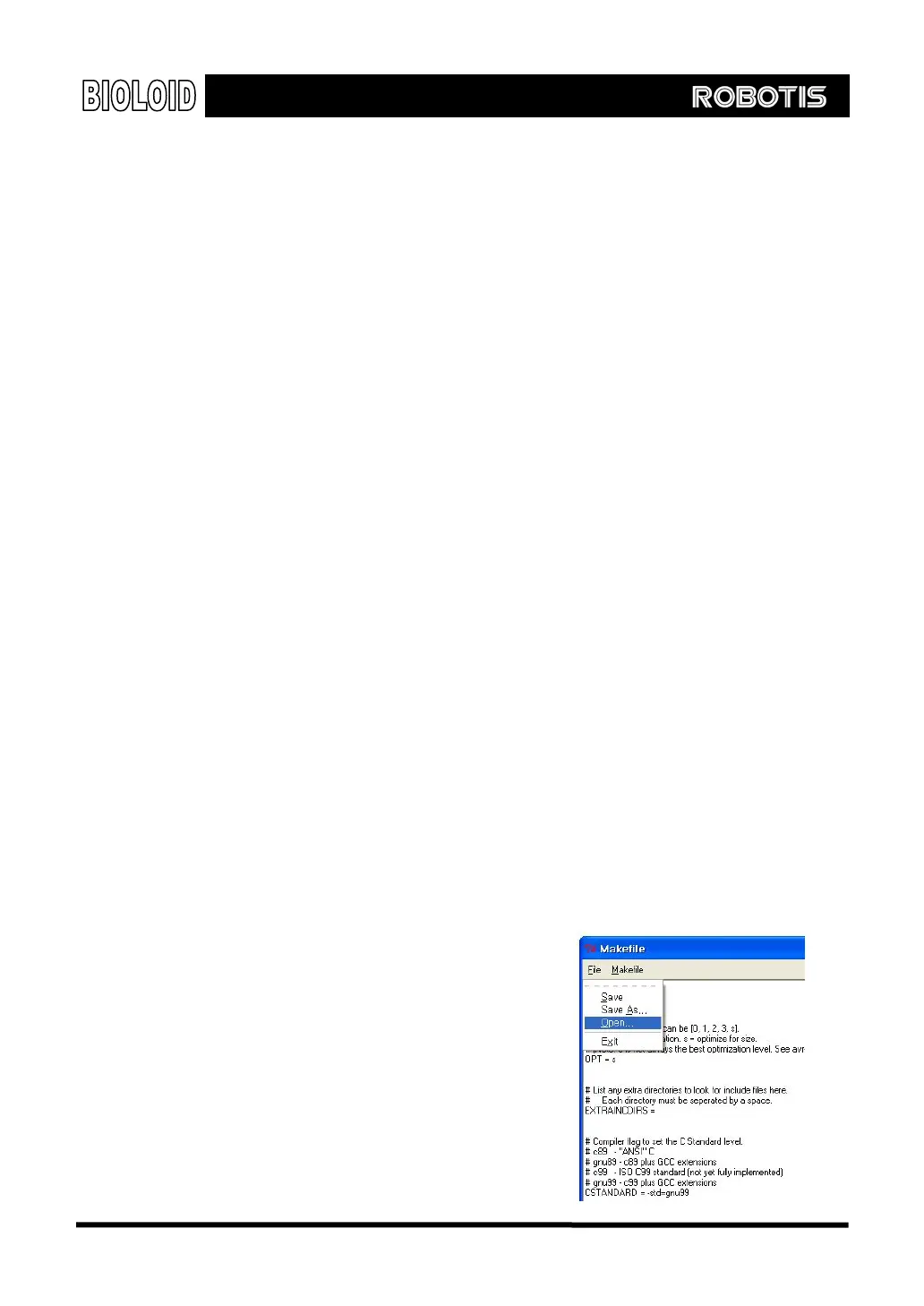
Running the mfile
As the picture shown on the right, run the
“mfile” program in Win-AVR. This file only
contains the editing function for Makefile.
123



 To Next Page