User’s Guide
Connect to CM-5
Connect to the PC
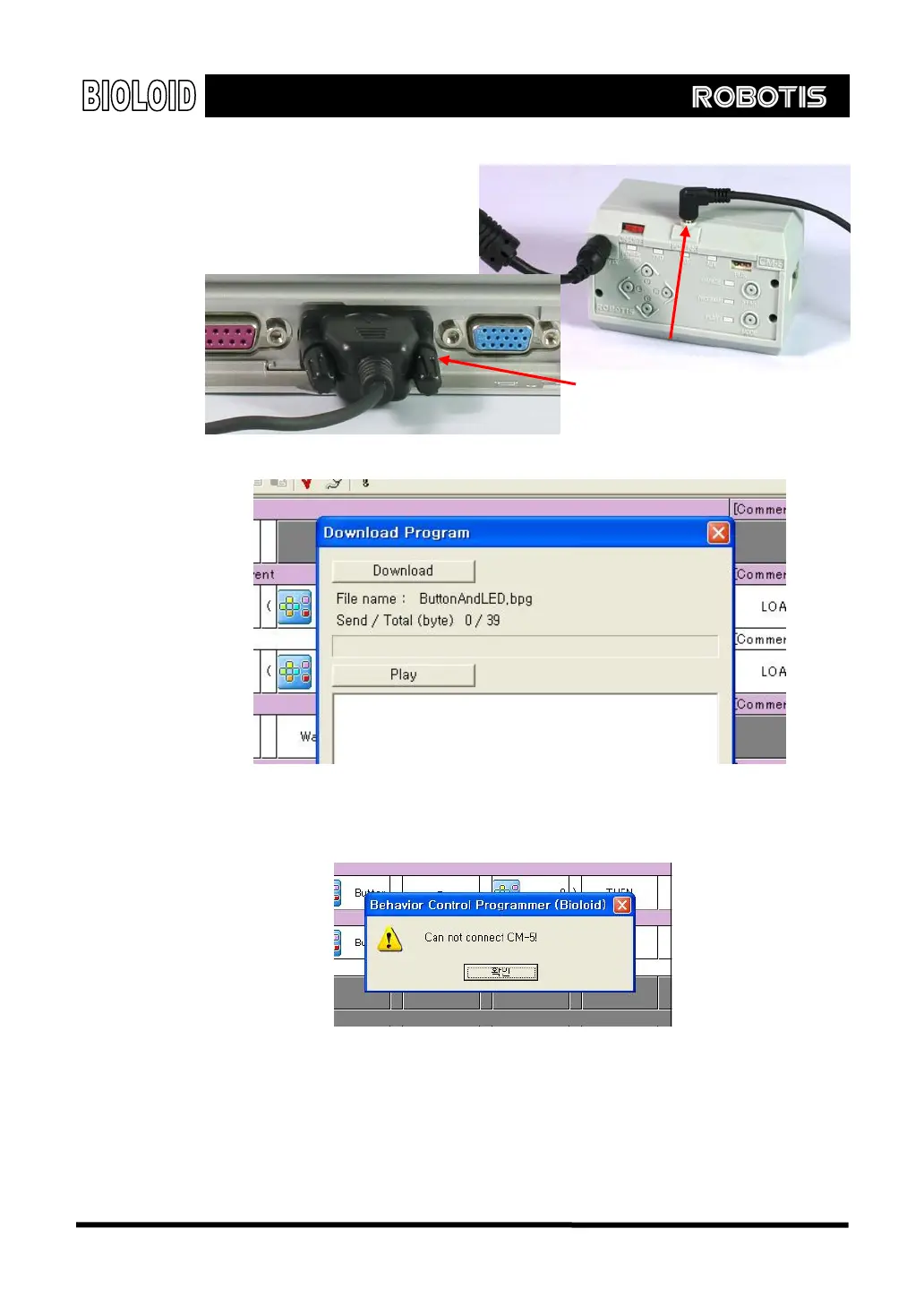
[Connecting the serial cable]
Click on the download toolbar icon. The following dialog box will show up.
If the CM-5 unit and the behavior control programmer are not connected properly,
then the following error message will show up.
In such cases check the following in order.
Is the serial cable connected properly?
Is the robot’s power on?
Is any other program running?
24



 To Next Page