User’s Guide
After selecting the “Walking Droid.rbt.” the robot profile information will look
like the following.
[Walking Droid. rbt. executed in the motion
[Walking Droid. rbt. executed in the Behavior Control Programmer]
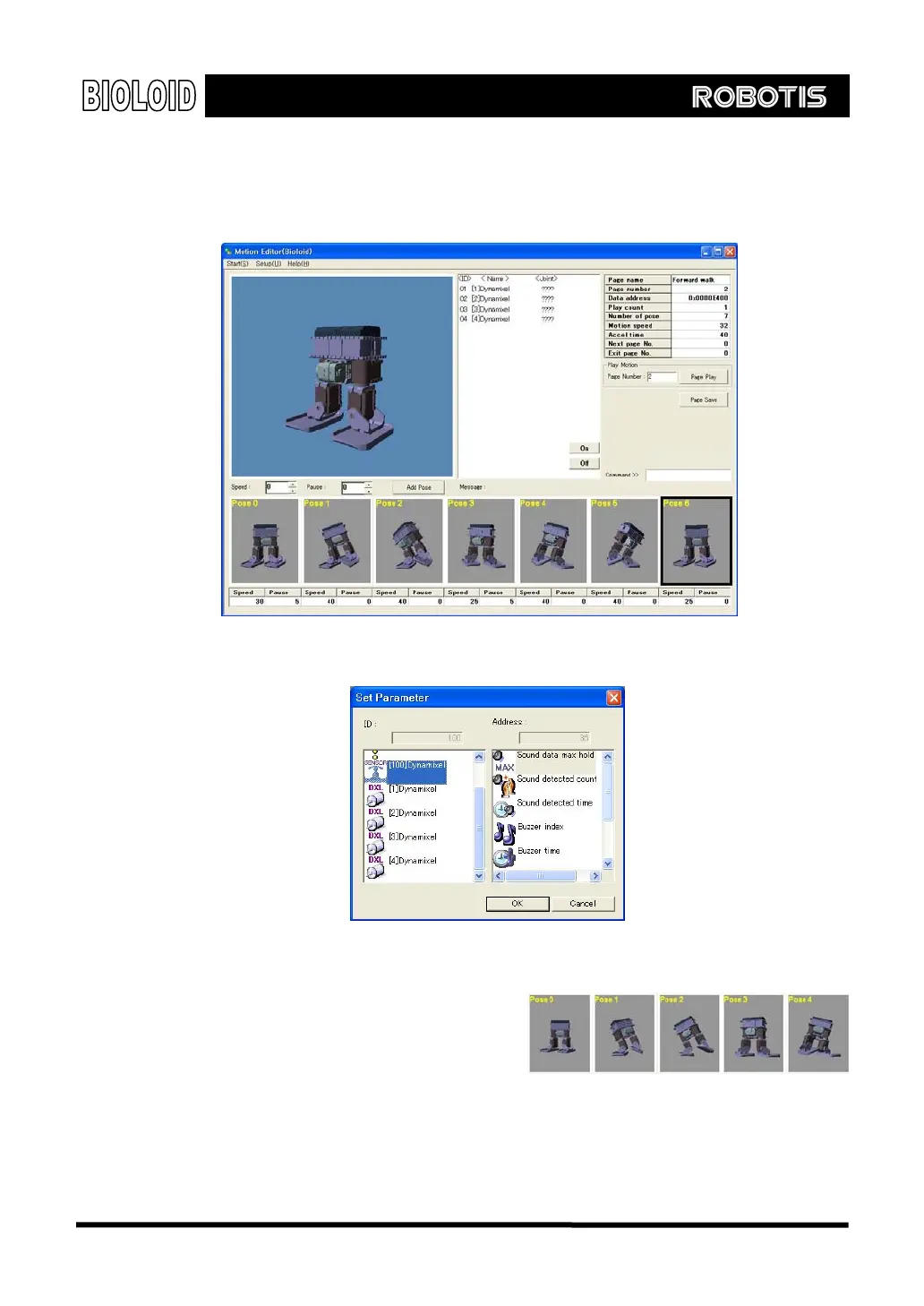
Pose The pose is an instance of a motion.
For example, in the figure right, you
will need many poses to make the
robot move one side step.
Creating a Pose
On the motion editor screen, the big picture on the left is the pose work area,
and it shows the current state of the robot. Here, you create a motion by
77



 To Next Page