User’s Guide
setting the desired pose and dragging it to the saved pose area. Connecting
the poses in the saved pose area smoothly creates a motion.
The numbers and poses that are shown on a motion editor screen are the
information for a single motion page. A motion page is made up of 7 poses and
64 bytes of page information. The Bioloid has up to 127 motion pages.
The Bioloid’s motion memory = 127 motion pages
1 motion page = 7 poses + page information (64 bytes)
1 pose = Maximum 30 joints information (position, velocity, and stop
time)
The behavior control program plays the motion using its page number.
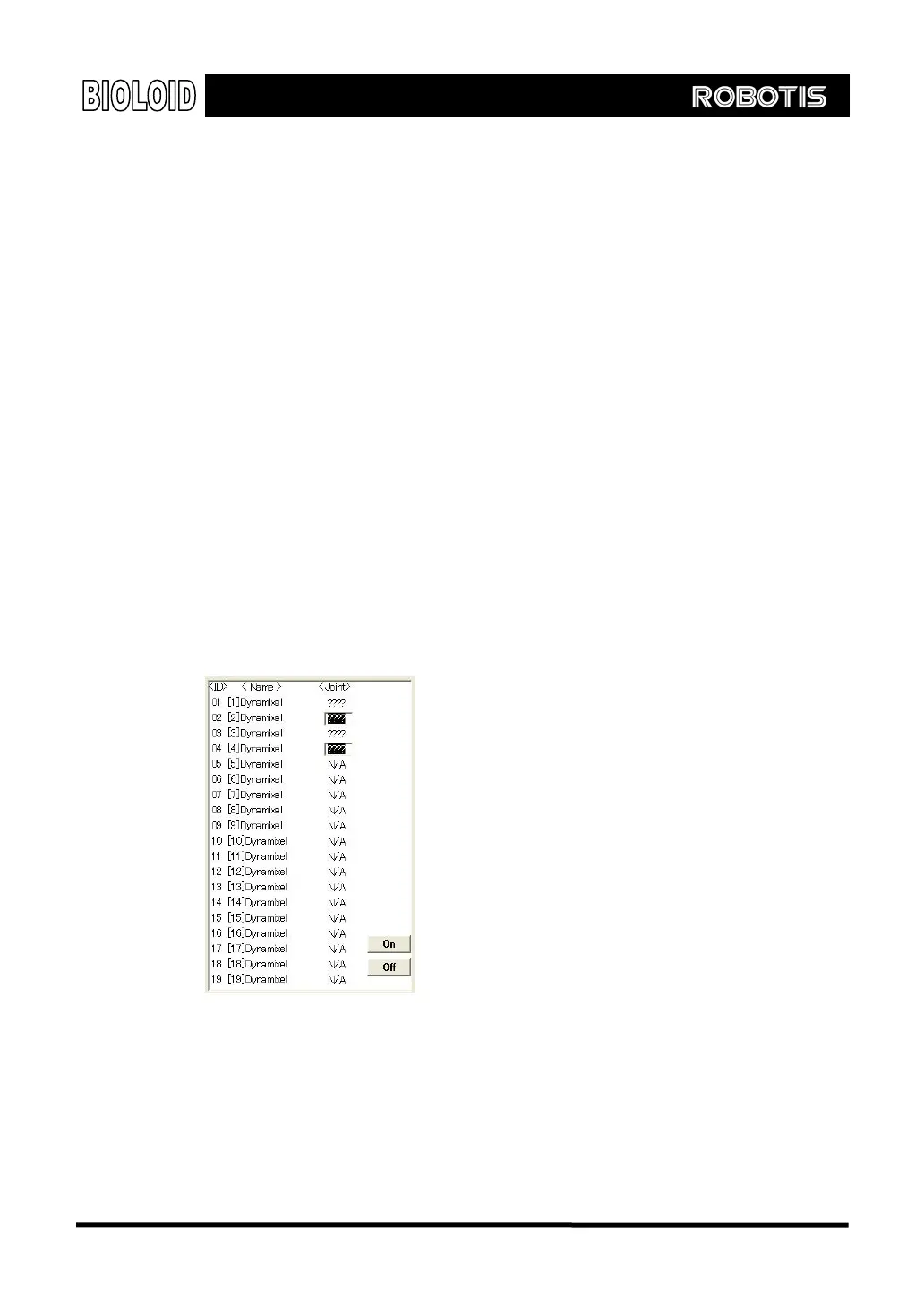
The numbers in the joint information window are the position values of the robot
joints. The robot inside the pose task window is the picture of the actual
current robot. Therefore the joint position values shown inside the joint
information window is the actual current joint position of the robot.
Inside the joint information window there is a button turning ON or OFF the torque
of the joints.
Off This will turn off the torque of the selected joint. After pressing the OFF button
you can move the joints by hand.
On After moving the joint to the desired position, press the ON button to see the joint
angle value on the joint information window. The torque will be back on, locking
its joint position.
78



 To Next Page