Rev A O-5
Q
C S
A
MPLE
T
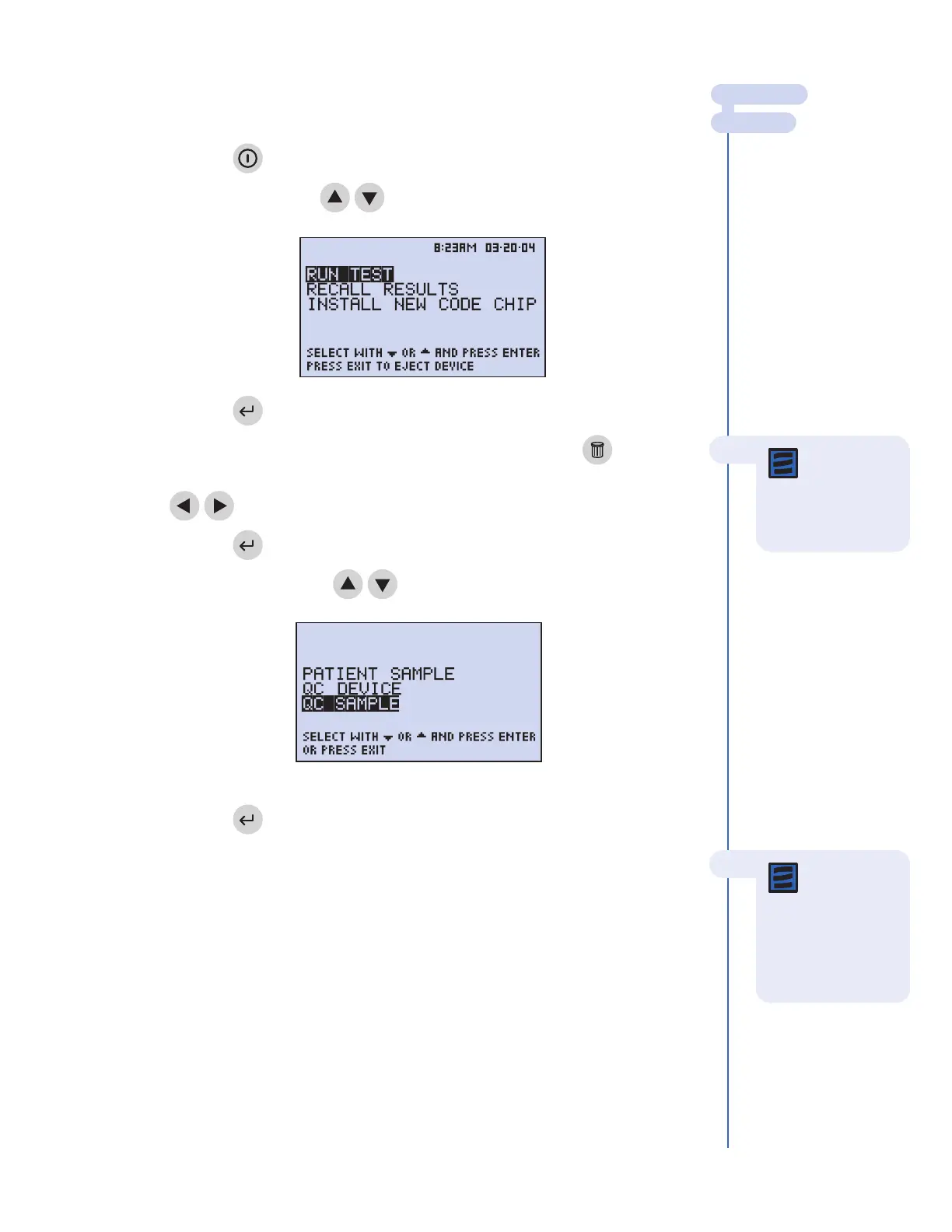
o run the Quality Control sample:
1. Press the key to power The Triage MeterPro on.
2. Select
RU
N
TE
ST
using keys.
3. Press the key.
4. Type in your identification number (User ID). To correct, press the key to
clear the entire number, or select the incorrect digit by using the
keys then type in the correct number.
5. Press the key.
6. Select
QC SAMPLE using keys.
7. Press the key.
8. Enter the QC lot number from the label on the side of the vial containing the QC
Sample.
MAIN MENU
RUN TEST
Note: If the
User ID bypass
is
ON, the meter will
not ask you to enter a
User ID.
Menu scr
een as it looks when operator
selects QC Sample.
The Main Menu
Note: Only
enter the four
digit numeric value of
the QC lot number
Do not enter the
preceding alpha
character
.



 To Next Page