18 | 405 TS Getting Started Guide
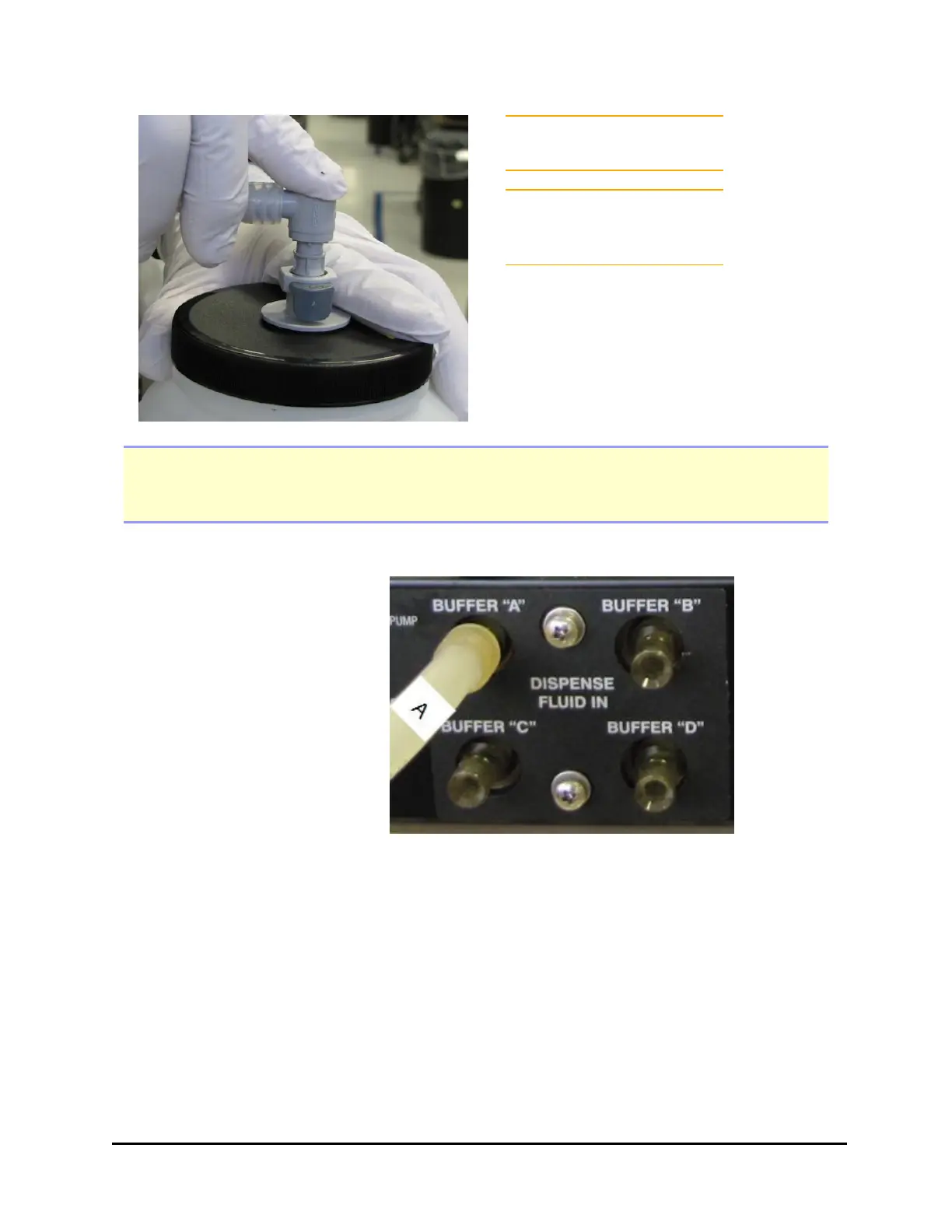
Make sure you hear the
connector click!
Attach the labels provided
with the washer to identify
the buffer bottles.
Note: To avoid spilling fluid when refilling bottles or changing reagents, first release the
Quick Connector from the bottle cap, use a paper towel to sop up the few drops in the
cap. Then, refill the bottle.
With Buffer Switching (4 Buffers):
1. Place the four supply
bottles on the same
surface as the
instrument.
2. Connect the tubing from
one of the supply bottles
to the “A” port on the
back of the washer.
3. Repeat step 2 with the
other three supply
bottles for “B,” “C,” and
“D” Buffers.
405™ TS Microplate Washer



 To Next Page