Verify Performance| 25
Verify Performance
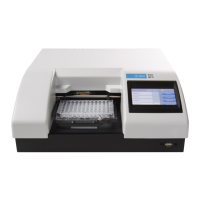
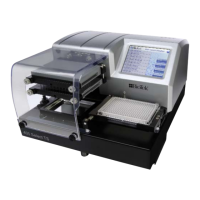
Before using the 405 TS for the first time, verify that it is operating properly.
l When using the LHC, make sure the 405 TS is connected to the PC and both are
powered up.
l When running standalone, turn on the 405 TS.
Using the touch screen:
Press Instrument and then Self-Check.
Using the LHC:
1. Click the Name link on the main page and, if required, select the 405 TS.
2. Define the COM Port used to connect the 405 TS to the computer and Test
Communication.
3. In the Target Instrument Settings dialog that opens, click Get actual settings now,
and click OK.
4. Select Tools>Instrument Utilities
5. On the General Settings tab, click the Perform Self-Check link.
Test results:
l Pass: no error message is displayed.
l Fail: an error message is displayed. If this happens, note the error code and refer
to Troubleshooting on page 94 to determine its cause. If the problem is
something you can fix, turn off the instrument, fix the problem, and then turn the
instrument back on. Otherwise, contact BioTek’s Technical Assistance Center.
The Qualification Chapter in the operator’s manual provides Installation and
Operational Qualification procedures to perform after the instrument is installed and
before the instrument is used in a laboratory environment.
l Important! Before operating the instrument, review Optimize
Performance on page 37. The guidelines include necessary steps to
perform before running a protocol, and issues to consider when creating or
editing protocols.
BioTek Instruments, Inc.


 To Next Page