22 | 405 TS Getting Started Guide
Define Instrument Settings
LHC Users Only
When using the LHC to control the 405 TS, an important first step is
defining your instrument’s settings. After installing the LHC, you can use the
desktop icon or the Windows Start button to launch the LHC:
> All Programs> BioTek> Liquid Handling Control
1. Click the Name link on the main page and, if required, select the 405 TS.
2. Specify the COM Port used to connect the 405 TS to the computer (use the
drop-down list to select the port) and click Test Communication.
l Pass: proceed to the next step.
l Fail: check the Com Port setting. See “About Com Ports” in the LHC Help.
3. In the Target Instrument Settings dialog that opens, click Get actual settings
now, and click OK.
Standard Vacuum Pump Users
l Do not perform this step when using the High Flow vacuum pump (PN
7100754). High flow pumps are recommended when aspirating 384-well
plates with non-surfactant wash buffers (e.g., pure deionized or distilled
water).
Perform this step ONLY if you are using the “standard” vacuum pump (PN
7103024): increase the Vacuum Dissipate Delay to match your waste container:
1 second per liter. For example, if you have a 10 L waste bottle, set the delay to
10 seconds.
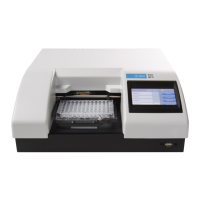
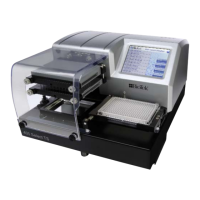
405™ TS Microplate Washer


 To Next Page